Application Caching, Done Properly
Storing the results of expensive operations, such as database queries or API calls, in a fast cache like Redis so they can be reused.
 Marcus Adeyemi

At a glance
- Stores Redis, Memcached, files and databases
- Invalidation cached data must be cleared or expired when sources change
- Scope user-specific data must not be shared between users
- Laravel provides a unified cache API
Why it matters
Why it matters: Caching can make applications dramatically faster, but stale or incorrectly scoped caches cause bugs and data leaks.
Best practice
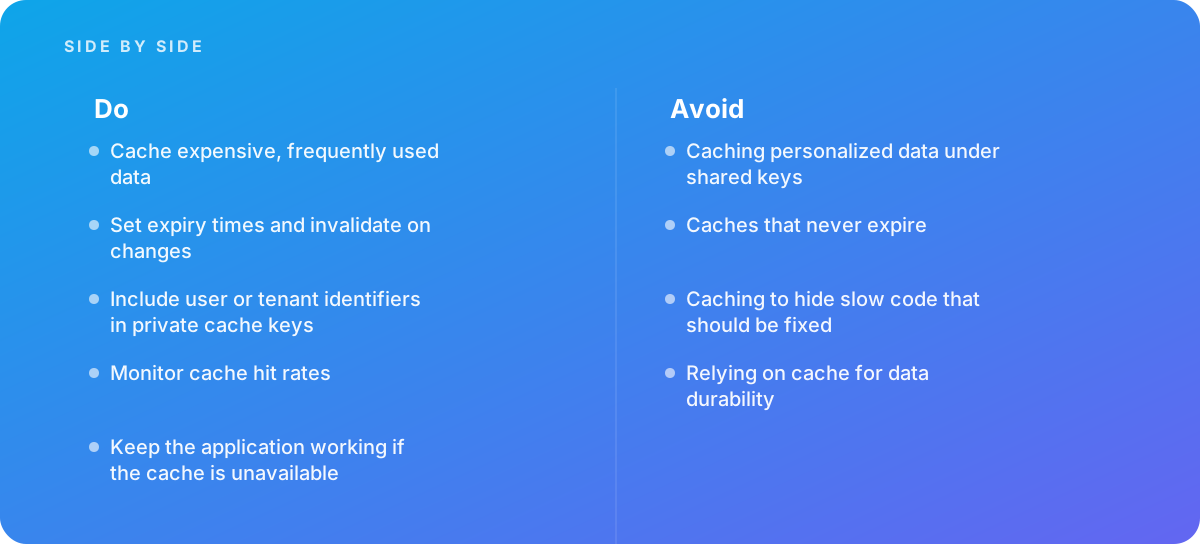
- Cache expensive, frequently used data
- Set expiry times and invalidate on changes
- Include user or tenant identifiers in private cache keys
- Monitor cache hit rates
- Keep the application working if the cache is unavailable
Common pitfalls
Watch out for:
- Caching personalized data under shared keys
- Caches that never expire
- Caching to hide slow code that should be fixed
- Relying on cache for data durability
When to call in a specialist
Bottom line Bring in help when applications slow under load or show stale data.
Where this comes from
- Laravel Documentation — Cache
- Microsoft Learn — Caching guidance
The figures and practices above come from the sources listed.
Working on something like this?
We take on Web Design & Development work for teams who want it done once, properly. Tell us what you are building and we will tell you honestly whether we are the right studio for it. Start a project.
Where to go next
Spotted something wrong? Report an error on this page. We correct on the page and say what changed.