A Practical Guide to Generating PDFs from Web Applications
Producing PDF documents such as invoices, reports and certificates from web applications.
 MediaScaleUp Editorial Team

What is at stake
PDF generation looks simple until pagination, fonts and accessibility appear, and server-side rendering has real costs.
The playbook
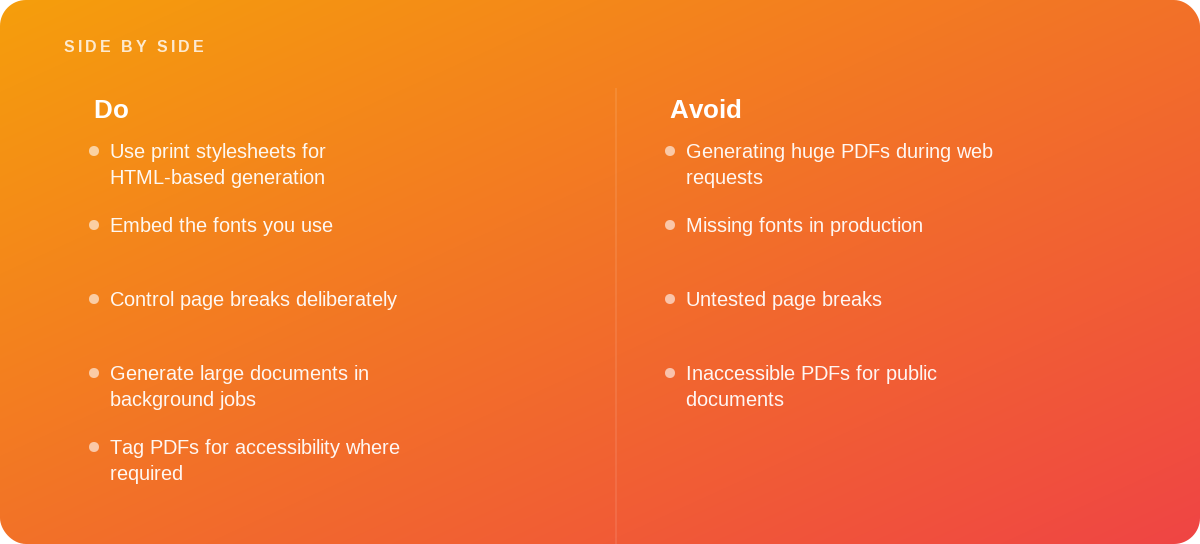
- Use print stylesheets for HTML-based generation
- Embed the fonts you use
- Control page breaks deliberately
- Generate large documents in background jobs
- Tag PDFs for accessibility where required
Where it goes wrong
Avoid:
- Generating huge PDFs during web requests
- Missing fonts in production
- Untested page breaks
- Inaccessible PDFs for public documents
The numbers behind it
| Measure | Figure |
|---|---|
| Approaches | HTML-to-PDF rendering or direct PDF libraries |
| Fonts | embedded fonts are needed for consistent output |
| Pagination | page breaks need explicit control |
| Accessibility | tagged PDFs are needed for screen readers |
Getting outside help
When to hand it over: Bring in help when documents must be accessible or high volume.
Where this comes from
- MDN Web Docs — Printing
- W3C Web Accessibility Initiative — PDF accessibility
The figures and practices above come from the sources listed.
Working on something like this?
We take on Web Design & Development work for teams who want it done once, properly. Tell us what you are building and we will tell you honestly whether we are the right studio for it. Start a project.
Where to go next
Spotted something wrong? Report an error on this page. We correct on the page and say what changed.







