Autoscaling Web Applications, Done Properly
Adding and removing server capacity automatically in response to load.
 MediaScaleUp Editorial Team

At a glance
- Metrics scaling can respond to CPU, queue depth or request rate
- Warm-up new instances take time to become useful
- Databases often do not scale as easily as application servers
- Limits maximum bounds prevent runaway cost
Why it matters
Why it matters: Autoscaling handles traffic spikes without paying for peak capacity all the time, but it needs correct signals and limits.
Best practice
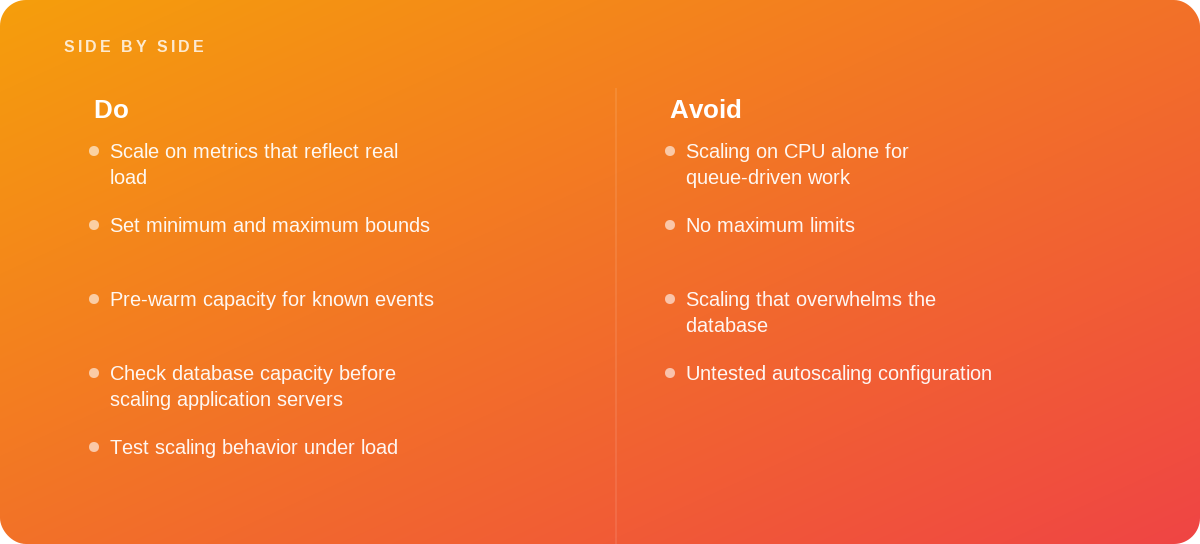
- Scale on metrics that reflect real load
- Set minimum and maximum bounds
- Pre-warm capacity for known events
- Check database capacity before scaling application servers
- Test scaling behavior under load
Common pitfalls
Watch out for:
- Scaling on CPU alone for queue-driven work
- No maximum limits
- Scaling that overwhelms the database
- Untested autoscaling configuration
When to call in a specialist
Bottom line Bring in help when traffic is spiky or seasonal.
Where this comes from
- Microsoft Learn — Autoscaling guidance
- Microsoft Learn — Performance efficiency
The figures and practices above come from the sources listed.
Working on something like this?
We take on Web Design & Development work for teams who want it done once, properly. Tell us what you are building and we will tell you honestly whether we are the right studio for it. Start a project.
Where to go next
Spotted something wrong? Report an error on this page. We correct on the page and say what changed.






