Object Storage for User Files: What Actually Works
Storing uploaded files in an object storage service rather than on application servers.
 Marcus Adeyemi

At a glance
- Buckets files are stored as objects with keys
- Access control buckets can be public or private
- Signed URLs grant temporary access to private files
- Durability services replicate data across locations
Why it matters
Why it matters: Object storage scales, survives server replacement and serves files efficiently, but access control needs care.
Best practice
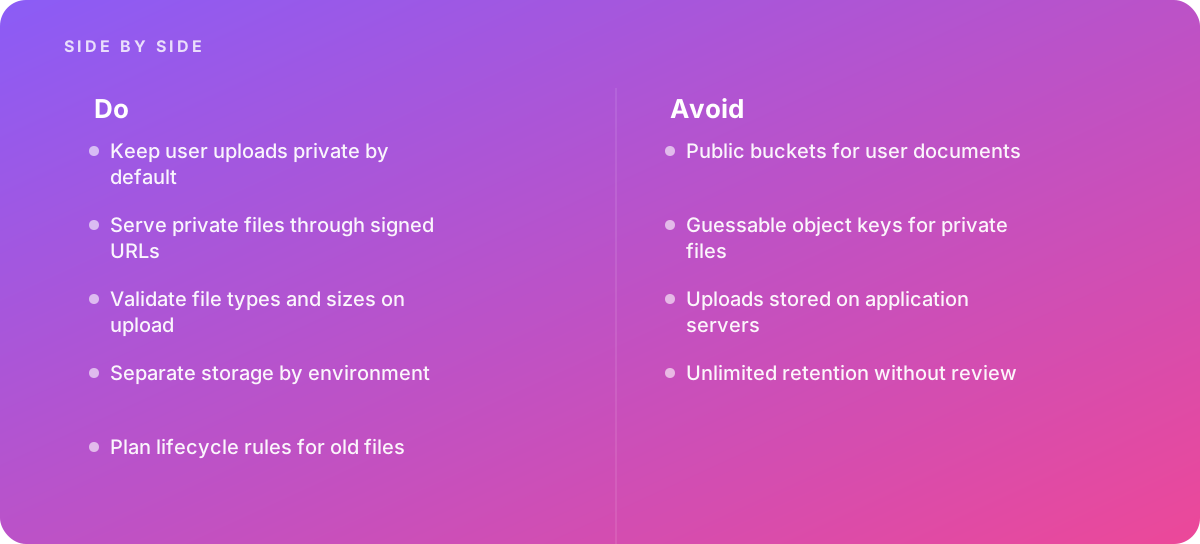
- Keep user uploads private by default
- Serve private files through signed URLs
- Validate file types and sizes on upload
- Separate storage by environment
- Plan lifecycle rules for old files
Common pitfalls
Watch out for:
- Public buckets for user documents
- Guessable object keys for private files
- Uploads stored on application servers
- Unlimited retention without review
When to call in a specialist
Bottom line Bring in help when applications handle sensitive uploads.
Where this comes from
- OWASP — File Upload Cheat Sheet
- Laravel Documentation — File storage
The figures and practices above come from the sources listed.
Working on something like this?
We take on Web Design & Development work for teams who want it done once, properly. Tell us what you are building and we will tell you honestly whether we are the right studio for it. Start a project.
Where to go next
Spotted something wrong? Report an error on this page. We correct on the page and say what changed.