How to Get Headless WordPress Right
Using WordPress as a content store behind a separate front end built with another framework.
 Marcus Adeyemi

Where most projects go wrong
The usual mistakes:
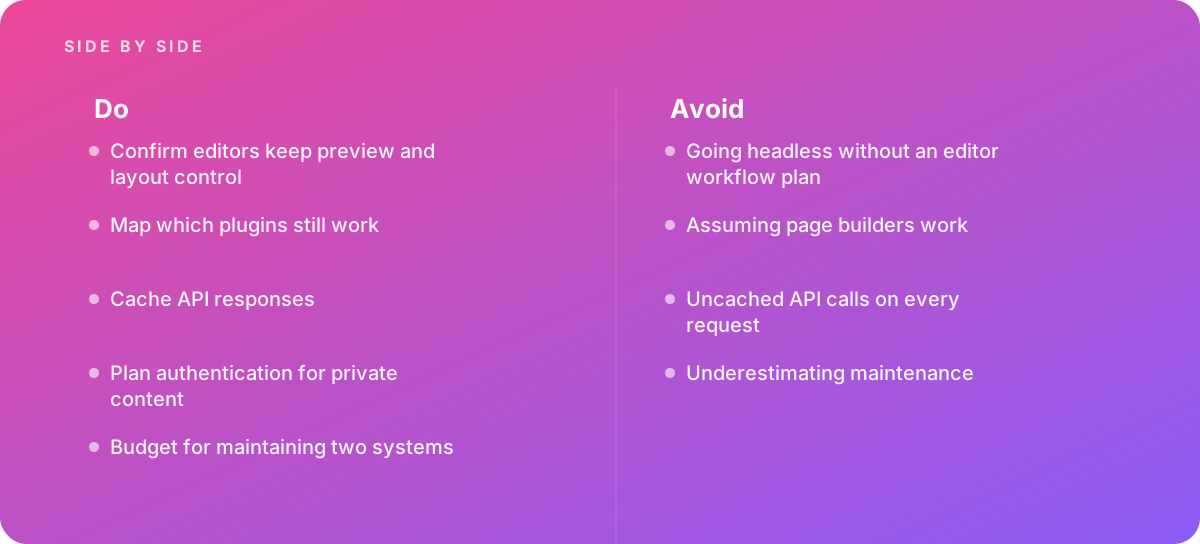
- Going headless without an editor workflow plan
- Assuming page builders work
- Uncached API calls on every request
- Underestimating maintenance
What good looks like instead
- Confirm editors keep preview and layout control
- Map which plugins still work
- Cache API responses
- Plan authentication for private content
- Budget for maintaining two systems
Why it matters
It suits teams that want WordPress editing with a custom front end, but it gives up much of what WordPress provides.
The specs that matter
| Measure | Figure |
|---|---|
| REST API | WordPress exposes content through a REST API |
| Preview | editor previews need extra work when decoupled |
| Plugins | many plugins assume they control the front end |
| Hosting | two systems must be hosted and maintained |
Knowing when to hand it over
Tip: Bring in help when deciding between headless and traditional WordPress.
Where this comes from
- WordPress Developer Resources — REST API handbook
- Next.js Documentation — Data fetching
The figures and practices above come from the sources listed.
Working on something like this?
We take on Web Design & Development work for teams who want it done once, properly. Tell us what you are building and we will tell you honestly whether we are the right studio for it. Start a project.
Where to go next
Spotted something wrong? Report an error on this page. We correct on the page and say what changed.