PHP OPcache: The Decisions That Matter
The PHP extension that stores compiled script bytecode in memory so scripts are not recompiled on every request.
 MediaScaleUp Editorial Team

At a glance
- Bytecode cache avoids recompiling PHP on each request
- Memory cache size must fit the application
- Validation timestamp checks can be disabled in production
- Deployment caches need clearing or warming after releases
Why it matters
Why it matters: OPcache is one of the largest single performance wins for PHP applications, and misconfiguration silently wastes it.
Best practice
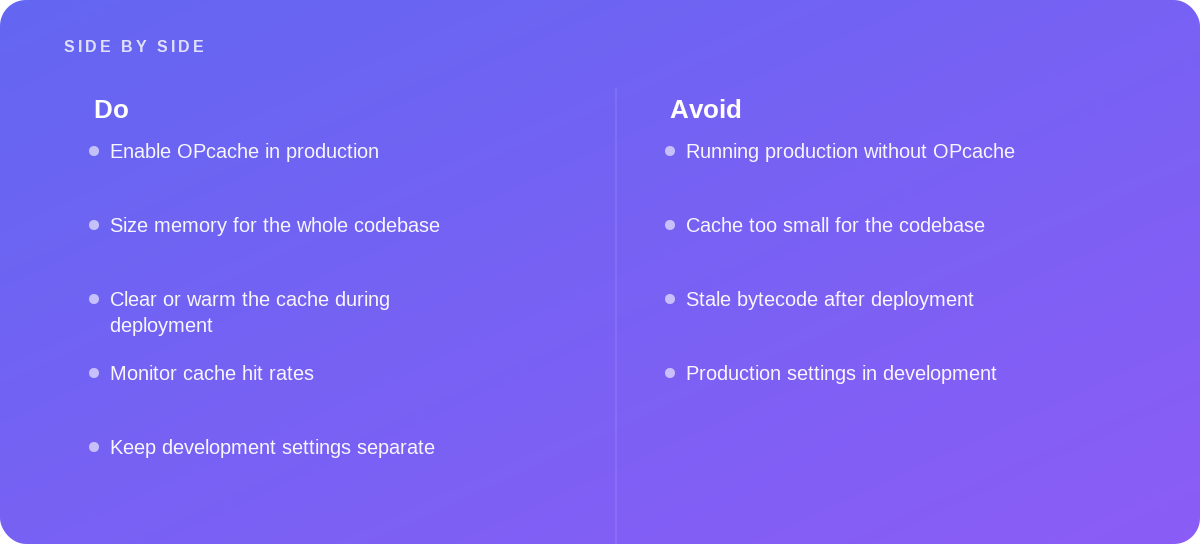
- Enable OPcache in production
- Size memory for the whole codebase
- Clear or warm the cache during deployment
- Monitor cache hit rates
- Keep development settings separate
Common pitfalls
Watch out for:
- Running production without OPcache
- Cache too small for the codebase
- Stale bytecode after deployment
- Production settings in development
When to call in a specialist
Bottom line Bring in help when PHP applications respond slowly under load.
Where this comes from
- PHP Manual — OPcache
- Laravel Documentation — Deployment
The figures and practices above come from the sources listed.
Working on something like this?
We take on Web Design & Development work for teams who want it done once, properly. Tell us what you are building and we will tell you honestly whether we are the right studio for it. Start a project.
Where to go next
Spotted something wrong? Report an error on this page. We correct on the page and say what changed.







