A Practical Guide to Managing npm Dependencies
Handling JavaScript package dependencies, versions and security in Node.js and front-end projects.
 MediaScaleUp Editorial Team

What is at stake
JavaScript projects pull in large dependency trees, which carry both maintenance and security risk.
The playbook
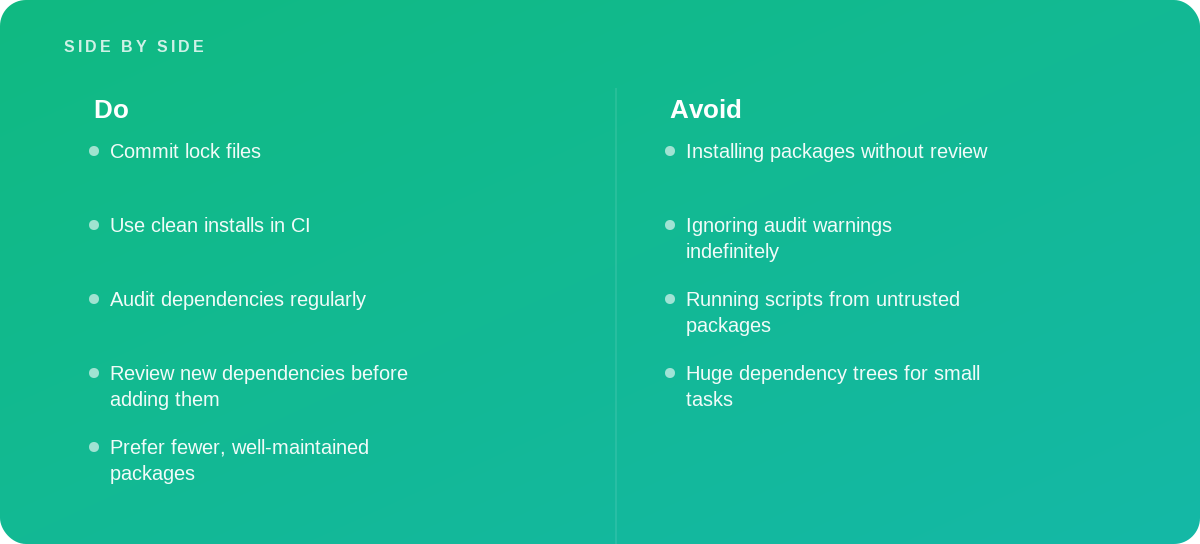
- Commit lock files
- Use clean installs in CI
- Audit dependencies regularly
- Review new dependencies before adding them
- Prefer fewer, well-maintained packages
Where it goes wrong
Avoid:
- Installing packages without review
- Ignoring audit warnings indefinitely
- Running scripts from untrusted packages
- Huge dependency trees for small tasks
The numbers behind it
| Measure | Figure |
|---|---|
| package-lock.json | pins the exact installed tree |
| npm audit | reports known vulnerabilities |
| Transitive dependencies | most packages come from other packages |
| Supply chain | compromised packages have affected many projects |
Getting outside help
When to hand it over: Bring in help when dependency security needs auditing.
Where this comes from
The figures and practices above come from the sources listed.
Working on something like this?
We take on Web Design & Development work for teams who want it done once, properly. Tell us what you are building and we will tell you honestly whether we are the right studio for it. Start a project.
Where to go next
Spotted something wrong? Report an error on this page. We correct on the page and say what changed.





