Database Migrations: The Decisions That Matter
Version-controlled scripts that change a database's structure step by step, so every environment's schema can be created and updated consistently.
 MediaScaleUp Editorial Team

Where most projects go wrong
The usual mistakes:
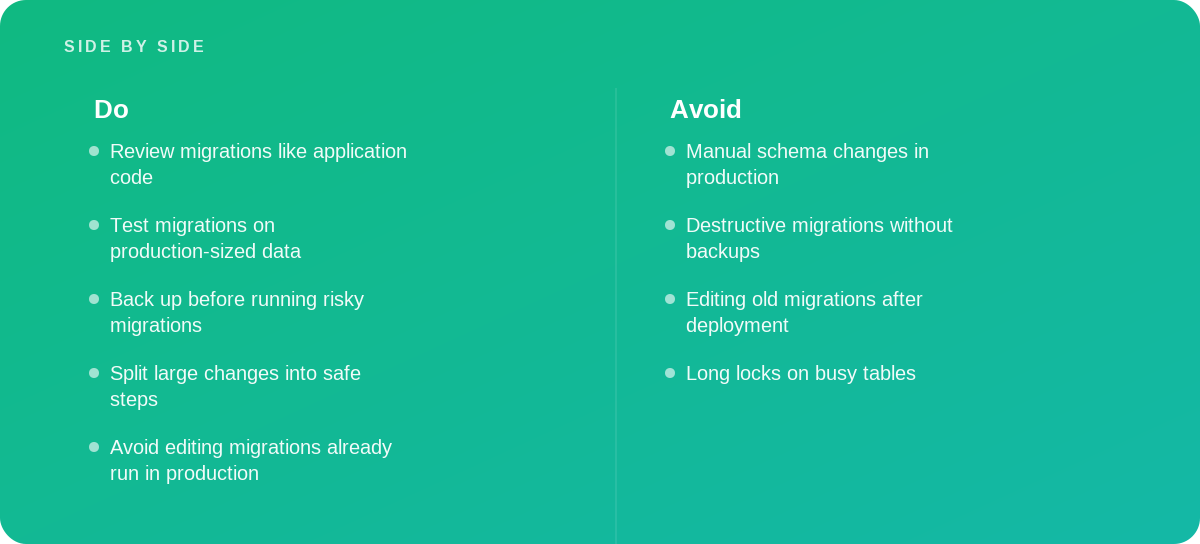
- Manual schema changes in production
- Destructive migrations without backups
- Editing old migrations after deployment
- Long locks on busy tables
What good looks like instead
- Review migrations like application code
- Test migrations on production-sized data
- Back up before running risky migrations
- Split large changes into safe steps
- Avoid editing migrations already run in production
Why it matters
Migrations make schema changes reviewable and repeatable, and careless migrations can lock tables or lose data in production.
The specs that matter
| Measure | Figure |
|---|---|
| Version control | migrations live alongside application code |
| Up and down | migrations can apply and reverse changes |
| Laravel | provides a migration system and schema builder |
| Production risk | large table changes can lock tables |
Knowing when to hand it over
Tip: Bring in help when changing large production databases.
Where this comes from
- Laravel Documentation — Database: Migrations
- Laravel Documentation — Database: Getting started
The figures and practices above come from the sources listed.
Working on something like this?
We take on Web Design & Development work for teams who want it done once, properly. Tell us what you are building and we will tell you honestly whether we are the right studio for it. Start a project.
Where to go next
Spotted something wrong? Report an error on this page. We correct on the page and say what changed.






