Resize and Mutation Observers, Done Properly
Browser APIs that notify code when an element changes size or when the DOM changes, replacing polling and window resize handlers.
 MediaScaleUp Editorial Team

Why does it matter?
They let components respond to real changes efficiently, which matters for responsive components and embedded widgets.
What are the numbers?
- ResizeObserver reports changes to an element's size
- MutationObserver reports changes to the DOM tree or attributes
- Advantage avoids polling and repeated layout queries
- Browser support all major browsers
What should I do?
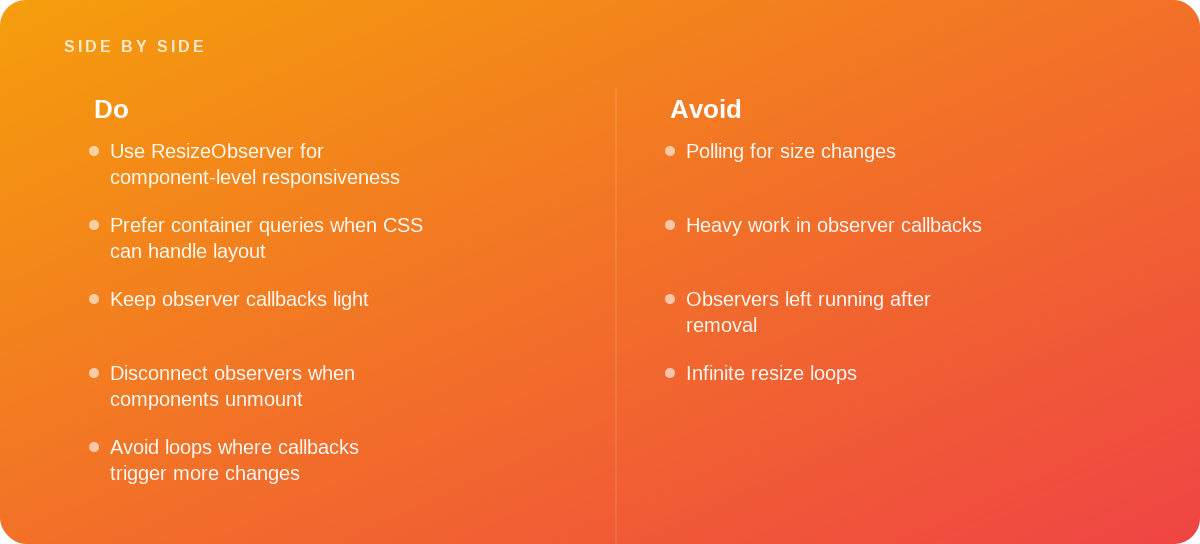
- Use ResizeObserver for component-level responsiveness
- Prefer container queries when CSS can handle layout
- Keep observer callbacks light
- Disconnect observers when components unmount
- Avoid loops where callbacks trigger more changes
What should I avoid?
Avoid:
- Polling for size changes
- Heavy work in observer callbacks
- Observers left running after removal
- Infinite resize loops
When should I get help?
Short answer Bring in help when building embeddable widgets or complex responsive components.
Where this comes from
- MDN Web Docs — ResizeObserver
- MDN Web Docs — MutationObserver
The figures and practices above come from the sources listed.
Working on something like this?
We take on Web Design & Development work for teams who want it done once, properly. Tell us what you are building and we will tell you honestly whether we are the right studio for it. Start a project.
Where to go next
Spotted something wrong? Report an error on this page. We correct on the page and say what changed.





