How to Get Web Components Right
A set of browser standards for building reusable interface elements: custom elements, the shadow DOM for encapsulated markup and styles, and HTML templates with slots.
 MediaScaleUp Editorial Team

Why does it matter?
Components built on the standards work in any framework or none, which makes them a practical base for a design system shared across several products.
What are the numbers?
- Custom elements define new HTML tags with their own behavior; the name must contain a hyphen
- Shadow DOM keeps a component's internal markup and styles separate from the page
- template and slot hold markup for reuse and let the page insert its own content
- Browser support custom elements and shadow DOM work in all major browsers
- Declarative shadow DOM lets a shadow root be written directly in server-rendered HTML
What should I do?
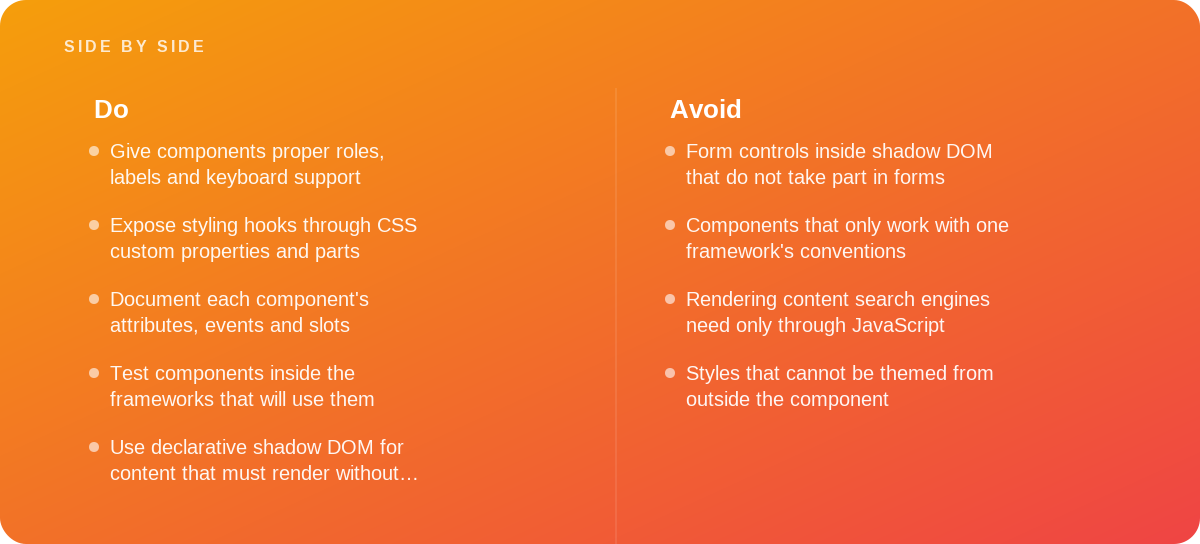
- Give components proper roles, labels and keyboard support
- Expose styling hooks through CSS custom properties and parts
- Document each component's attributes, events and slots
- Test components inside the frameworks that will use them
- Use declarative shadow DOM for content that must render without JavaScript
What should I avoid?
Avoid:
- Form controls inside shadow DOM that do not take part in forms
- Components that only work with one framework's conventions
- Rendering content search engines need only through JavaScript
- Styles that cannot be themed from outside the component
When should I get help?
Short answer Bring in help when a design system must serve several frameworks, or when custom components are failing accessibility or form submission.
Where this comes from
- MDN Web Docs — Web Components
- MDN Web Docs — Using shadow DOM
- web.dev — Declarative shadow DOM
The figures and practices above come from the sources listed.
Working on something like this?
We take on Web Design & Development work for teams who want it done once, properly. Tell us what you are building and we will tell you honestly whether we are the right studio for it. Start a project.
Where to go next
Spotted something wrong? Report an error on this page. We correct on the page and say what changed.








