Clipboard and Web Share APIs, Done Properly
Browser APIs that let websites copy text to the clipboard or open the device's native share sheet.
 MediaScaleUp Editorial Team

What is at stake
They provide familiar, app-like sharing and copying, but they require user gestures and secure contexts.
The playbook
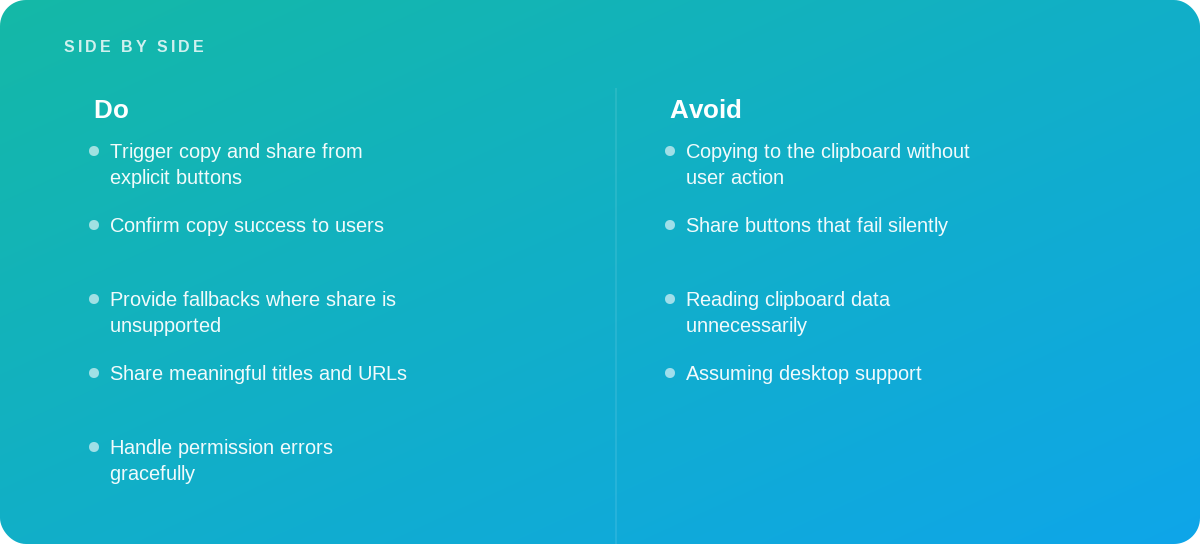
- Trigger copy and share from explicit buttons
- Confirm copy success to users
- Provide fallbacks where share is unsupported
- Share meaningful titles and URLs
- Handle permission errors gracefully
Where it goes wrong
Avoid:
- Copying to the clipboard without user action
- Share buttons that fail silently
- Reading clipboard data unnecessarily
- Assuming desktop support
The numbers behind it
| Measure | Figure |
|---|---|
| Clipboard API | navigator.clipboard for reading and writing |
| Web Share API | navigator.share opens the native share dialog |
| Requirements | secure contexts and usually a user gesture |
| Support | Web Share is widely supported on mobile, less on desktop |
Getting outside help
When to hand it over: Bring in help when adding sharing features to web apps.
Where this comes from
- MDN Web Docs — Clipboard API
- MDN Web Docs — Web Share API
The figures and practices above come from the sources listed.
Working on something like this?
We take on Web Design & Development work for teams who want it done once, properly. Tell us what you are building and we will tell you honestly whether we are the right studio for it. Start a project.
Where to go next
Spotted something wrong? Report an error on this page. We correct on the page and say what changed.






