How to Get Intersection Observer Right
A browser API that reports when elements enter or leave the viewport, used for lazy loading, analytics and scroll-triggered effects.
 MediaScaleUp Editorial Team

At a glance
- Purpose observe visibility of elements relative to a root
- Thresholds trigger callbacks at chosen visibility levels
- rootMargin starts observing before elements reach the viewport
- Browser support all major browsers
Why it matters
Why it matters: It replaces scroll event handlers that run constantly, making visibility-based features far more efficient.
Best practice
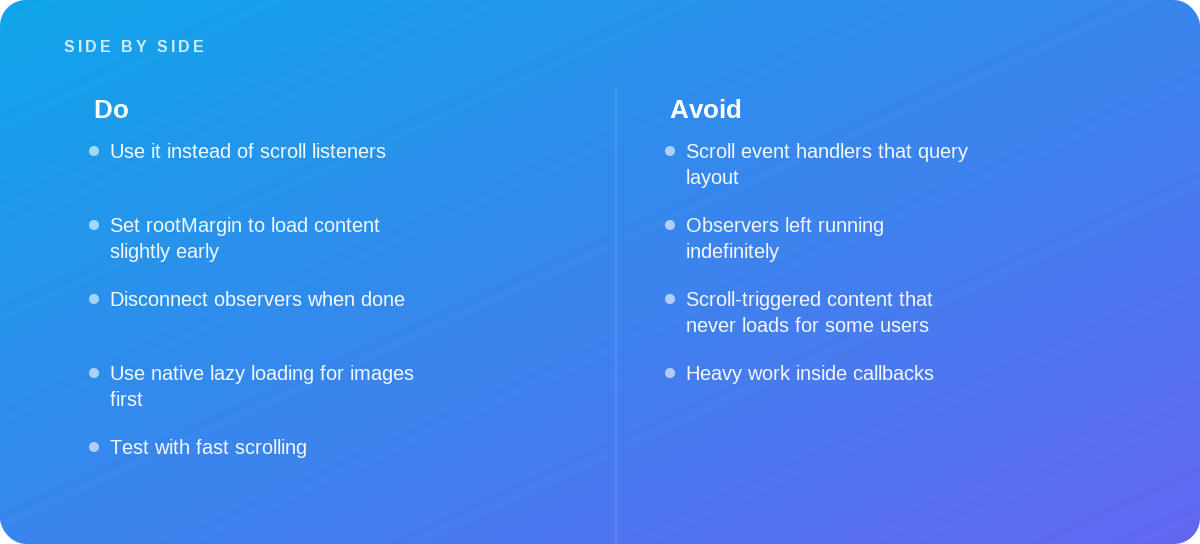
- Use it instead of scroll listeners
- Set rootMargin to load content slightly early
- Disconnect observers when done
- Use native lazy loading for images first
- Test with fast scrolling
Common pitfalls
Watch out for:
- Scroll event handlers that query layout
- Observers left running indefinitely
- Scroll-triggered content that never loads for some users
- Heavy work inside callbacks
When to call in a specialist
Bottom line Bring in help when scroll-driven features cause performance problems.
Where this comes from
- MDN Web Docs — Intersection Observer API
- web.dev — Browser-level image lazy loading for the web
The figures and practices above come from the sources listed.
Working on something like this?
We take on Web Design & Development work for teams who want it done once, properly. Tell us what you are building and we will tell you honestly whether we are the right studio for it. Start a project.
Where to go next
Spotted something wrong? Report an error on this page. We correct on the page and say what changed.






