How to Get CSS Transitions and Animations Right
Native CSS tools for animating changes between states, using transitions for simple state changes and keyframe animations for more complex motion.
 MediaScaleUp Editorial Team

Where most projects go wrong
The usual mistakes:
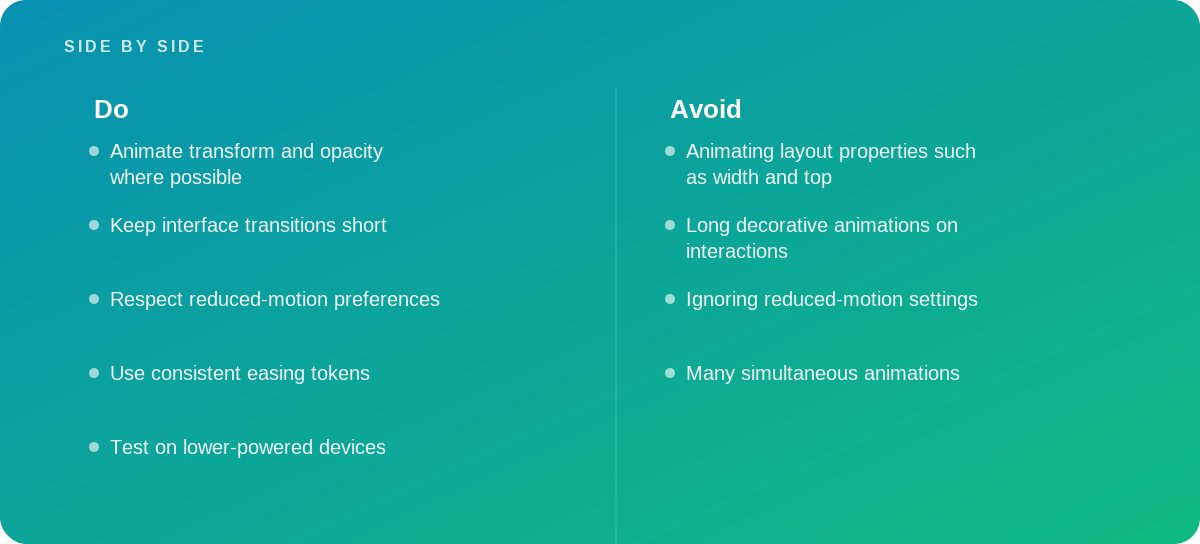
- Animating layout properties such as width and top
- Long decorative animations on interactions
- Ignoring reduced-motion settings
- Many simultaneous animations
What good looks like instead
- Animate transform and opacity where possible
- Keep interface transitions short
- Respect reduced-motion preferences
- Use consistent easing tokens
- Test on lower-powered devices
Why it matters
CSS animation is efficient and declarative, and animating the right properties keeps interfaces smooth.
The specs that matter
| Measure | Figure |
|---|---|
| Transitions | animate between two states when a property changes |
| Keyframe animations | define multi-step motion with @keyframes |
| Efficient properties | transform and opacity can often run on the compositor |
| Reduced motion | the prefers-reduced-motion media query |
Knowing when to hand it over
Tip: Bring in help when animations cause jank or accessibility complaints.
Where this comes from
- MDN Web Docs — Using CSS transitions
- MDN Web Docs — Using CSS animations
The figures and practices above come from the sources listed.
Working on something like this?
We take on Web Design & Development work for teams who want it done once, properly. Tell us what you are building and we will tell you honestly whether we are the right studio for it. Start a project.
Where to go next
Spotted something wrong? Report an error on this page. We correct on the page and say what changed.






