A Practical Guide to Web Storage and IndexedDB
The browser storage options for websites, from localStorage and sessionStorage for small values to IndexedDB for larger structured data.
 MediaScaleUp Editorial Team

Why does it matter?
Choosing the wrong storage causes performance problems and security risks, especially when sensitive data ends up somewhere scripts can read it.
What are the numbers?
- localStorage synchronous, string-only and persistent until cleared
- sessionStorage limited to a single tab's session
- IndexedDB asynchronous storage for larger structured data
- Security any script on the page can read web storage, so it should not hold secrets
What should I do?
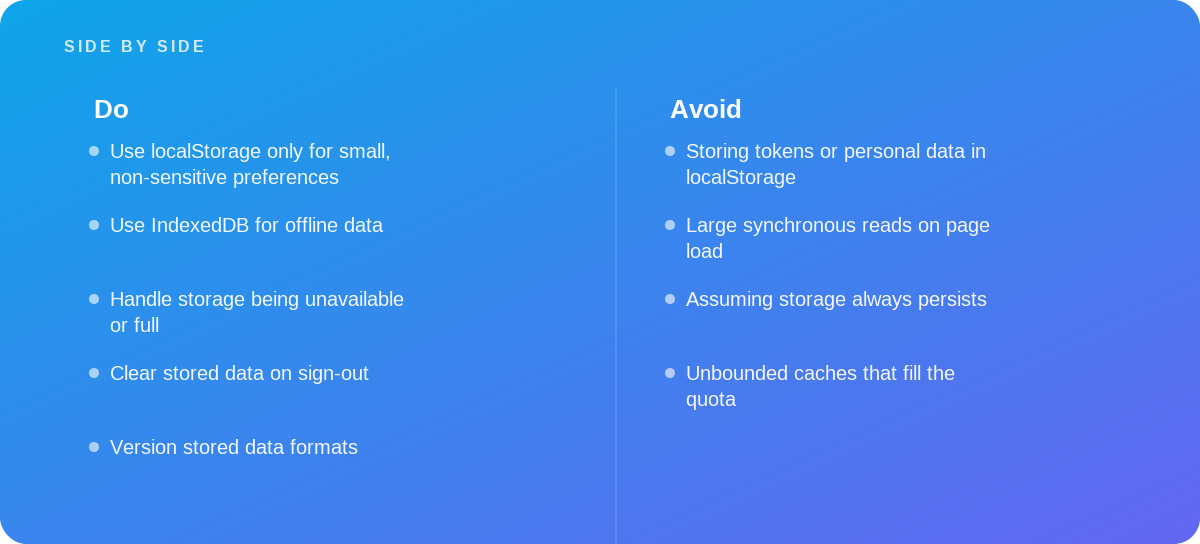
- Use localStorage only for small, non-sensitive preferences
- Use IndexedDB for offline data
- Handle storage being unavailable or full
- Clear stored data on sign-out
- Version stored data formats
What should I avoid?
Avoid:
- Storing tokens or personal data in localStorage
- Large synchronous reads on page load
- Assuming storage always persists
- Unbounded caches that fill the quota
When should I get help?
Short answer Bring in help when building offline features, or when a security review flags data stored in the browser.
Where this comes from
- MDN Web Docs — Web Storage API
- MDN Web Docs — IndexedDB API
- OWASP — HTML5 Security Cheat Sheet
The figures and practices above come from the sources listed.
Working on something like this?
We take on Web Design & Development work for teams who want it done once, properly. Tell us what you are building and we will tell you honestly whether we are the right studio for it. Start a project.
Where to go next
Spotted something wrong? Report an error on this page. We correct on the page and say what changed.





