Internationalization with the Intl API, Done Properly
Formatting numbers, currencies, dates, lists and plural forms correctly for each language and region using JavaScript's built-in Intl API.
 MediaScaleUp Editorial Team

What is at stake
Hand-written formatting breaks as soon as a site serves more than one locale, while the Intl API handles regional conventions built into the browser.
The playbook
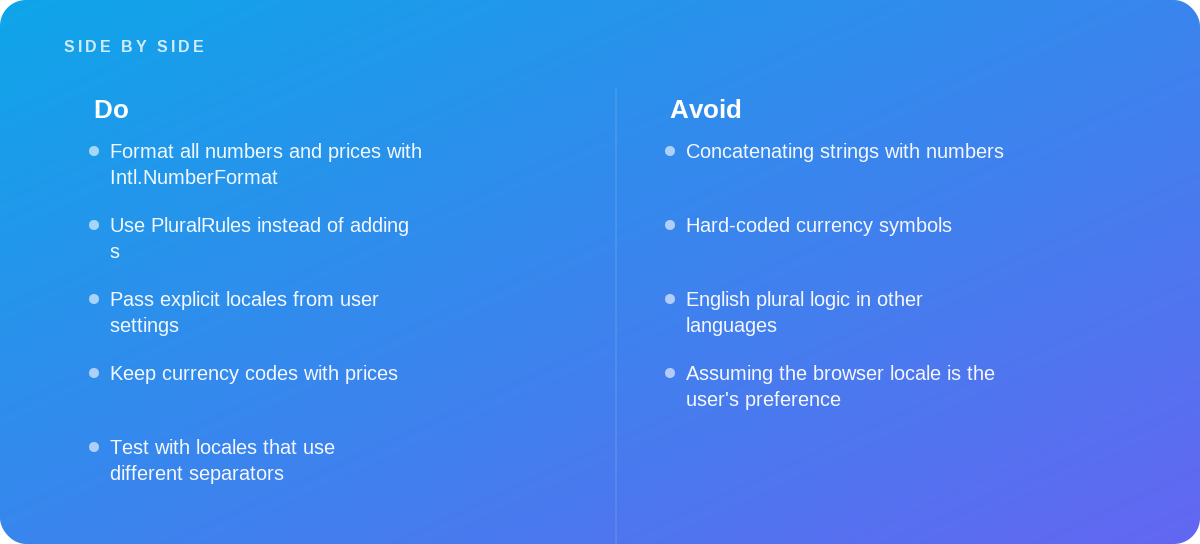
- Format all numbers and prices with Intl.NumberFormat
- Use PluralRules instead of adding s
- Pass explicit locales from user settings
- Keep currency codes with prices
- Test with locales that use different separators
Where it goes wrong
Avoid:
- Concatenating strings with numbers
- Hard-coded currency symbols
- English plural logic in other languages
- Assuming the browser locale is the user's preference
The numbers behind it
| Measure | Figure |
|---|---|
| Standard | ECMA-402, the ECMAScript Internationalization API |
| NumberFormat | formats numbers and currencies for a locale |
| PluralRules | selects the right plural category for a language |
| Locale identifiers | BCP 47 tags such as en-US and fr-CA |
Getting outside help
When to hand it over: Bring in help when launching in new countries or languages, or when prices and dates display inconsistently.
Where this comes from
- MDN Web Docs — Intl
- Ecma International — ECMA-402 ECMAScript Internationalization API Specification
The figures and practices above come from the sources listed.
Working on something like this?
We take on Web Design & Development work for teams who want it done once, properly. Tell us what you are building and we will tell you honestly whether we are the right studio for it. Start a project.
Where to go next
Spotted something wrong? Report an error on this page. We correct on the page and say what changed.






