How to Get HTML Input Types Right
The built-in form field types, such as email, tel, number, date and search, and the behavior browsers attach to them.
 MediaScaleUp Editorial Team

What is at stake
The right input type gives mobile users the right keyboard, free validation and better autofill, with no extra code.
The playbook
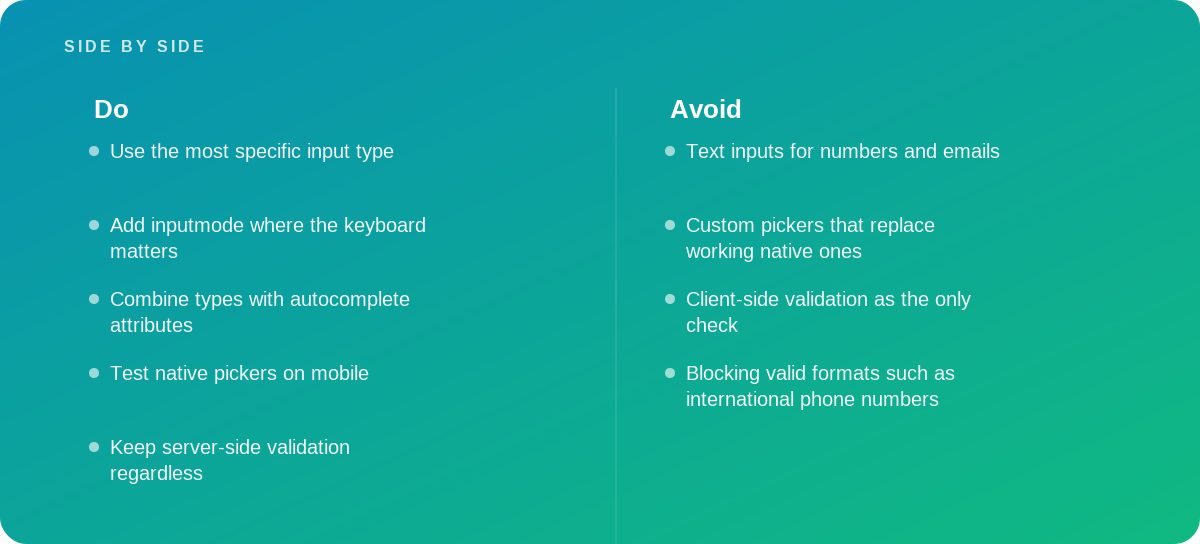
- Use the most specific input type
- Add inputmode where the keyboard matters
- Combine types with autocomplete attributes
- Test native pickers on mobile
- Keep server-side validation regardless
Where it goes wrong
Avoid:
- Text inputs for numbers and emails
- Custom pickers that replace working native ones
- Client-side validation as the only check
- Blocking valid formats such as international phone numbers
The numbers behind it
| Measure | Figure |
|---|---|
| Keyboards | mobile browsers show different keyboards per type |
| Validation | types such as email provide built-in checks |
| Date inputs | browsers supply native date pickers |
| Fallbacks | unsupported types fall back to text |
Getting outside help
When to hand it over: Bring in help when forms cause high abandonment on mobile.
Where this comes from
- MDN Web Docs — The Input element
- WHATWG — HTML Standard
The figures and practices above come from the sources listed.
Working on something like this?
We take on Web Design & Development work for teams who want it done once, properly. Tell us what you are building and we will tell you honestly whether we are the right studio for it. Start a project.
Where to go next
Spotted something wrong? Report an error on this page. We correct on the page and say what changed.






