A Practical Guide to HTML Email Development
Building email templates that render consistently across email clients with very different rendering engines.
 MediaScaleUp Editorial Team

At a glance
- Tables many clients still require table-based layouts
- CSS support varies widely and inline styles are safest
- Dark mode clients may invert colors
- Images are often blocked by default
Why it matters
Why it matters: Email clients support far less CSS than browsers, so email needs its own techniques and testing.
Best practice
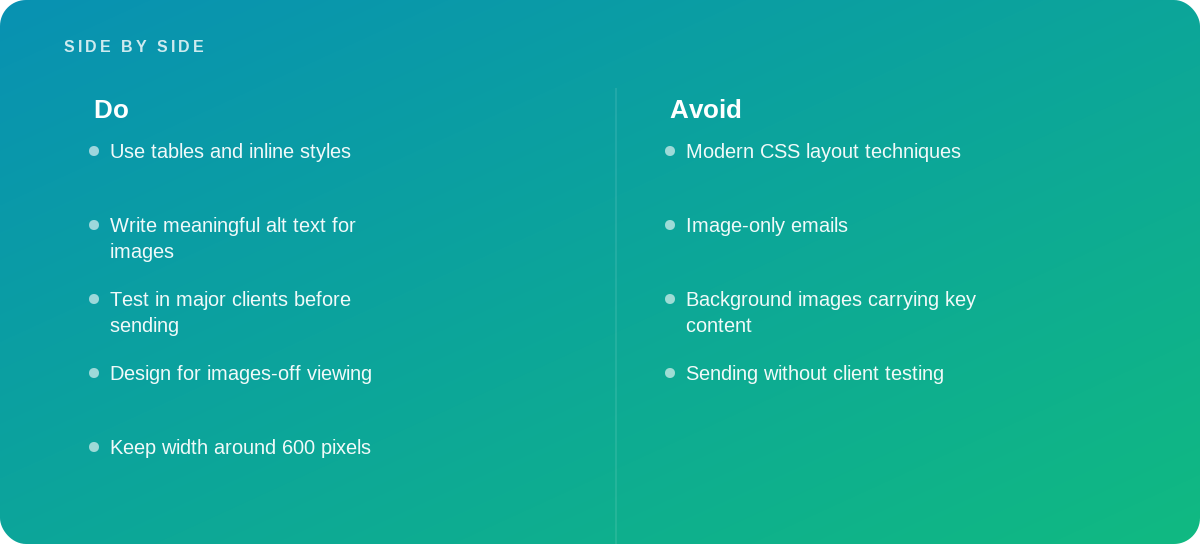
- Use tables and inline styles
- Write meaningful alt text for images
- Test in major clients before sending
- Design for images-off viewing
- Keep width around 600 pixels
Common pitfalls
Watch out for:
- Modern CSS layout techniques
- Image-only emails
- Background images carrying key content
- Sending without client testing
When to call in a specialist
Bottom line Bring in help when campaign emails render inconsistently.
Where this comes from
The figures and practices above come from the sources listed.
Working on something like this?
We take on Web Design & Development work for teams who want it done once, properly. Tell us what you are building and we will tell you honestly whether we are the right studio for it. Start a project.
Where to go next
Spotted something wrong? Report an error on this page. We correct on the page and say what changed.






