How to Get Cross-Browser Testing Right
Verifying that a site works across the browsers, versions and devices its audience actually uses.
 MediaScaleUp Editorial Team

Why does it matter?
Differences in rendering and support still cause real bugs, and analytics show which combinations matter.
What are the numbers?
- Baseline the Baseline initiative describes widely available features
- Analytics show which browsers your audience uses
- Mobile browsers differ from their desktop counterparts
- Assistive technology pairs with specific browsers
What should I do?
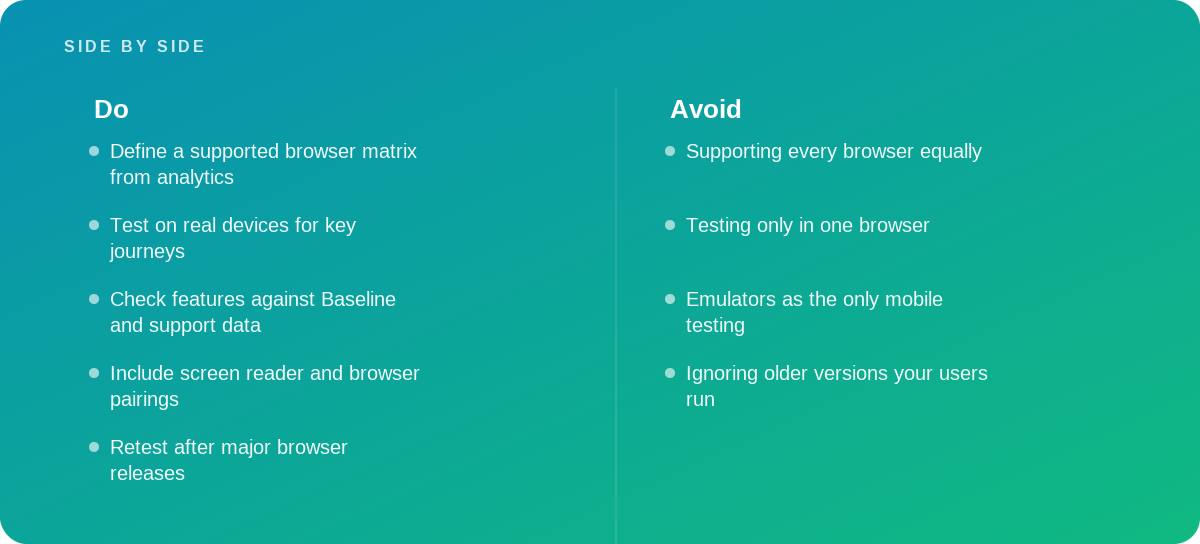
- Define a supported browser matrix from analytics
- Test on real devices for key journeys
- Check features against Baseline and support data
- Include screen reader and browser pairings
- Retest after major browser releases
What should I avoid?
Avoid:
- Supporting every browser equally
- Testing only in one browser
- Emulators as the only mobile testing
- Ignoring older versions your users run
When should I get help?
Short answer Bring in help when browser-specific bugs keep appearing.
Where this comes from
The figures and practices above come from the sources listed.
Working on something like this?
We take on Web Design & Development work for teams who want it done once, properly. Tell us what you are building and we will tell you honestly whether we are the right studio for it. Start a project.
Where to go next
Spotted something wrong? Report an error on this page. We correct on the page and say what changed.







