How to Get The HTML dialog Element Right
A native HTML element for modal and non-modal dialogs, with built-in focus handling, a backdrop and closing with the Escape key.
 MediaScaleUp Editorial Team

At a glance
- Modal opened with showModal(), which makes the rest of the page inert
- Non-modal opened with show()
- Escape key closes a modal dialog by default
- Backdrop styled with the ::backdrop pseudo-element
Why it matters
Why it matters: Custom modal scripts frequently break keyboard and screen reader access, while the dialog element provides much of the correct behavior by default.
Best practice
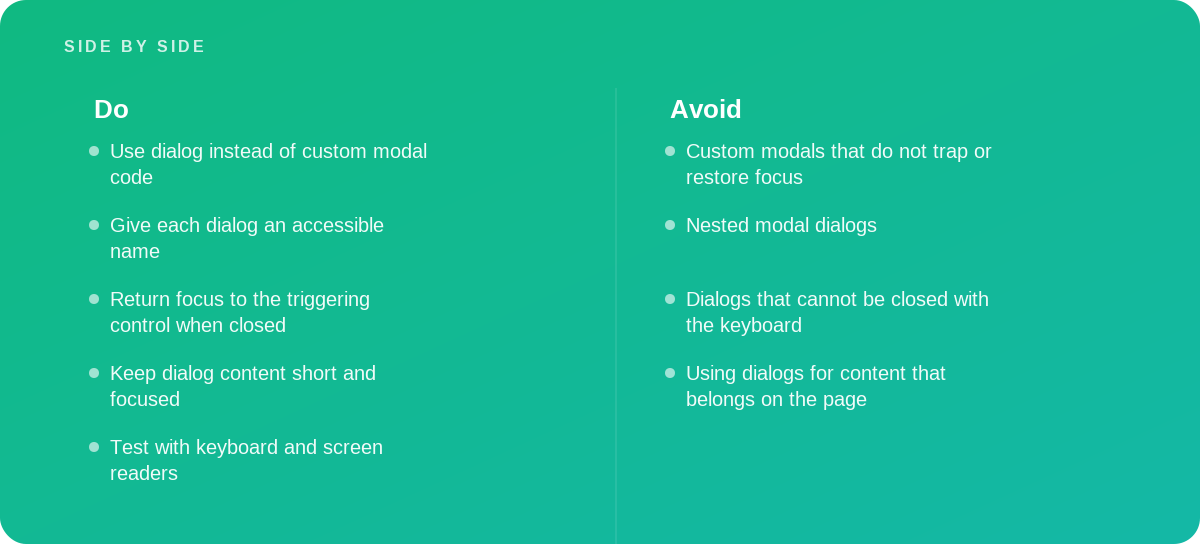
- Use dialog instead of custom modal code
- Give each dialog an accessible name
- Return focus to the triggering control when closed
- Keep dialog content short and focused
- Test with keyboard and screen readers
Common pitfalls
Watch out for:
- Custom modals that do not trap or restore focus
- Nested modal dialogs
- Dialogs that cannot be closed with the keyboard
- Using dialogs for content that belongs on the page
When to call in a specialist
Bottom line Bring in help when replacing legacy modal libraries, or when dialogs fail accessibility testing.
Where this comes from
- MDN Web Docs — The dialog element
- W3C ARIA Authoring Practices Guide — Dialog (Modal) pattern
The figures and practices above come from the sources listed.
Working on something like this?
We take on Web Design & Development work for teams who want it done once, properly. Tell us what you are building and we will tell you honestly whether we are the right studio for it. Start a project.
Where to go next
Spotted something wrong? Report an error on this page. We correct on the page and say what changed.






