The details and summary Elements: The Decisions That Matter
Native HTML elements that create an expandable disclosure widget, where the summary is always visible and the rest of the content toggles open and closed.
 MediaScaleUp Editorial Team

What is at stake
They provide accessible, keyboard-operable accordions and FAQs with no JavaScript, and the content remains searchable with find-in-page.
The playbook
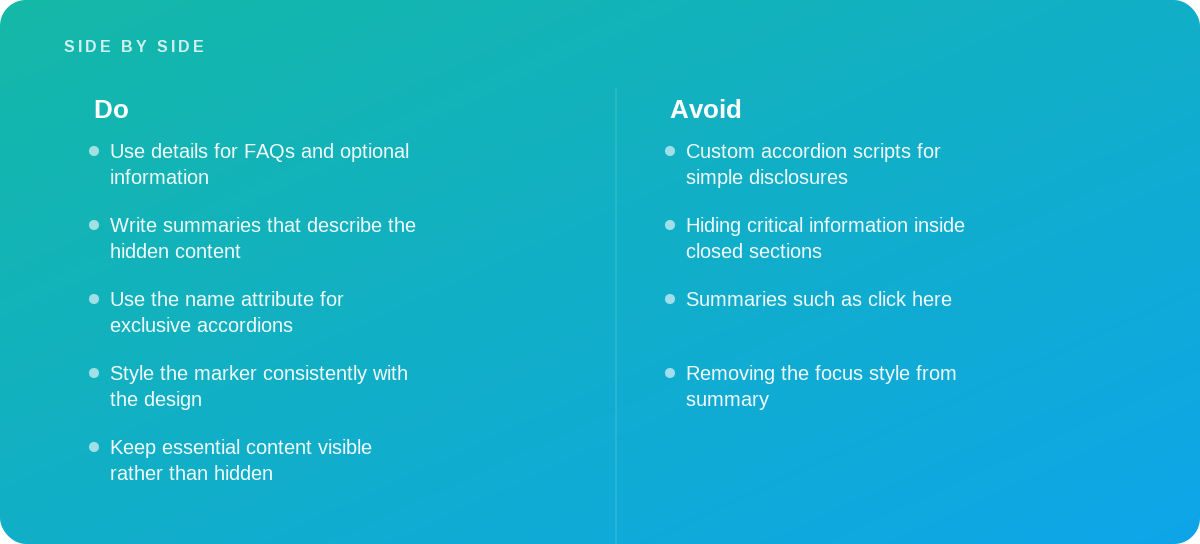
- Use details for FAQs and optional information
- Write summaries that describe the hidden content
- Use the name attribute for exclusive accordions
- Style the marker consistently with the design
- Keep essential content visible rather than hidden
Where it goes wrong
Avoid:
- Custom accordion scripts for simple disclosures
- Hiding critical information inside closed sections
- Summaries such as click here
- Removing the focus style from summary
The numbers behind it
| Measure | Figure |
|---|---|
| Structure | a details element containing a summary as its first child |
| Open state | the open attribute |
| Exclusive accordions | details elements sharing a name attribute open one at a time |
| Find in page | browsers can open closed details to reveal search matches |
Getting outside help
When to hand it over: Bring in help when building FAQ or accordion components for a design system.
Where this comes from
- MDN Web Docs — The details element
- W3C ARIA Authoring Practices Guide — Disclosure pattern
The figures and practices above come from the sources listed.
Working on something like this?
We take on Web Design & Development work for teams who want it done once, properly. Tell us what you are building and we will tell you honestly whether we are the right studio for it. Start a project.
Where to go next
Spotted something wrong? Report an error on this page. We correct on the page and say what changed.







