Iframes and Embed Security: The Decisions That Matter
Embedding third-party content such as maps, videos, forms and widgets with iframes, and the attributes that limit what embedded content can do.
 MediaScaleUp Editorial Team

Where most projects go wrong
The usual mistakes:
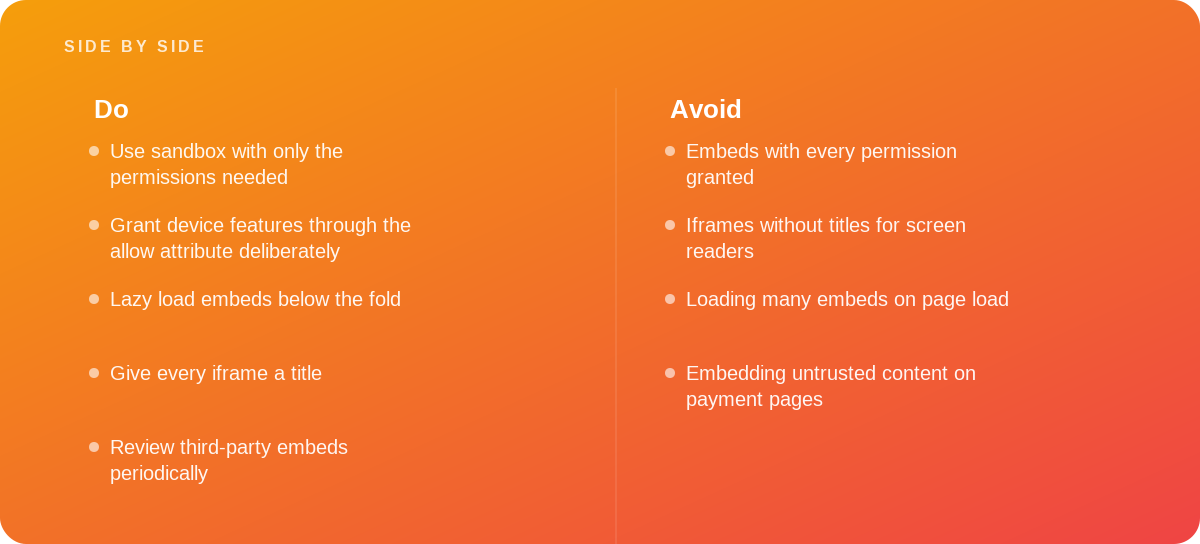
- Embeds with every permission granted
- Iframes without titles for screen readers
- Loading many embeds on page load
- Embedding untrusted content on payment pages
What good looks like instead
- Use sandbox with only the permissions needed
- Grant device features through the allow attribute deliberately
- Lazy load embeds below the fold
- Give every iframe a title
- Review third-party embeds periodically
Why it matters
Embedded content runs code from another origin inside your page, so restricting its permissions reduces the risk from compromised or misbehaving third parties.
The specs that matter
| Measure | Figure |
|---|---|
| sandbox attribute | restricts scripts, forms, popups and other capabilities unless explicitly allowed |
| allow attribute | controls access to features such as camera, microphone and fullscreen |
| loading="lazy" | defers off-screen iframes |
| Framing your own site | controlled with CSP frame-ancestors |
Knowing when to hand it over
Tip: Bring in help when embedding third-party tools on sensitive pages, or when security reviews flag iframes.
Where this comes from
- MDN Web Docs — The iframe element
- OWASP — Clickjacking Defense Cheat Sheet
The figures and practices above come from the sources listed.
Working on something like this?
We take on Web Design & Development work for teams who want it done once, properly. Tell us what you are building and we will tell you honestly whether we are the right studio for it. Start a project.
Where to go next
Spotted something wrong? Report an error on this page. We correct on the page and say what changed.








