Cookies and the SameSite Attribute: The Decisions That Matter
How websites store small pieces of data in the browser, and the attributes such as Secure, HttpOnly and SameSite that control how cookies are sent and accessed.
 MediaScaleUp Editorial Team

Why does it matter?
Cookie attributes are a basic security control against session theft and cross-site request forgery, and browser defaults have changed how cookies behave.
What are the numbers?
- Secure sent only over HTTPS
- HttpOnly not accessible to JavaScript
- SameSite values Strict, Lax and None
- Default in Chromium cookies without SameSite are treated as Lax
- SameSite=None requires the Secure attribute
What should I do?
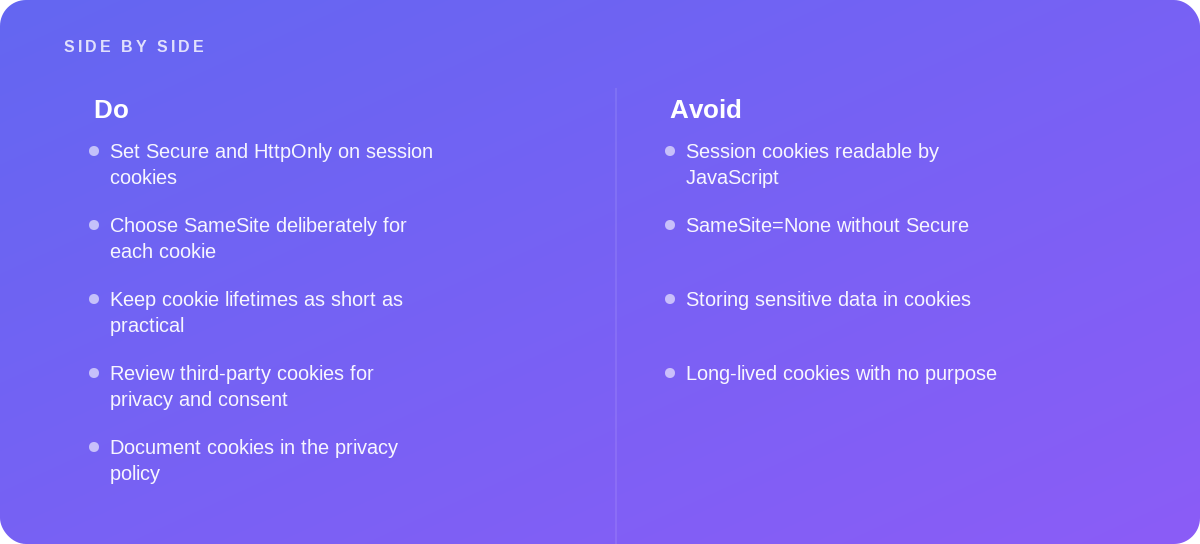
- Set Secure and HttpOnly on session cookies
- Choose SameSite deliberately for each cookie
- Keep cookie lifetimes as short as practical
- Review third-party cookies for privacy and consent
- Document cookies in the privacy policy
What should I avoid?
Avoid:
- Session cookies readable by JavaScript
- SameSite=None without Secure
- Storing sensitive data in cookies
- Long-lived cookies with no purpose
When should I get help?
Short answer Bring in help when login or embedded features break after browser cookie changes, or during a security review.
Where this comes from
- MDN Web Docs — Using HTTP cookies
- OWASP — Session Management Cheat Sheet
The figures and practices above come from the sources listed.
Working on something like this?
We take on Web Design & Development work for teams who want it done once, properly. Tell us what you are building and we will tell you honestly whether we are the right studio for it. Start a project.
Where to go next
Spotted something wrong? Report an error on this page. We correct on the page and say what changed.






