Scroll Snap: What Actually Works
CSS that makes a scroll container settle on defined positions, used for carousels, galleries and full-screen sections without JavaScript.
 Marcus Adeyemi

Where most projects go wrong
The usual mistakes:
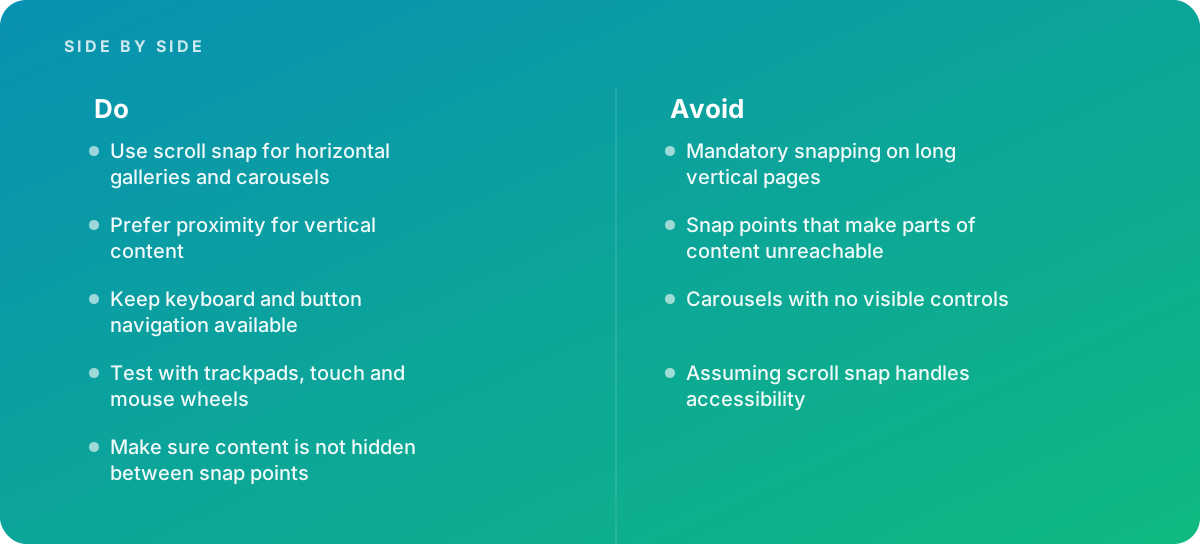
- Mandatory snapping on long vertical pages
- Snap points that make parts of content unreachable
- Carousels with no visible controls
- Assuming scroll snap handles accessibility
What good looks like instead
- Use scroll snap for horizontal galleries and carousels
- Prefer proximity for vertical content
- Keep keyboard and button navigation available
- Test with trackpads, touch and mouse wheels
- Make sure content is not hidden between snap points
Why it matters
It provides smooth, native carousel behavior with less code, but it can frustrate users when applied to whole pages or long content.
The specs that matter
| Measure | Figure |
|---|---|
| Container property | scroll-snap-type |
| Item property | scroll-snap-align |
| Strictness | mandatory snaps every time; proximity snaps only when close |
| Browser support | all major browsers |
Knowing when to hand it over
Tip: Bring in help when building carousels or galleries that must work across touch, mouse and keyboard.
Where this comes from
- MDN Web Docs — CSS scroll snap
- W3C ARIA Authoring Practices Guide — Carousel pattern
The figures and practices above come from the sources listed.
Working on something like this?
We take on Web Design & Development work for teams who want it done once, properly. Tell us what you are building and we will tell you honestly whether we are the right studio for it. Start a project.
Where to go next
Spotted something wrong? Report an error on this page. We correct on the page and say what changed.