Print Stylesheets: What Actually Works
CSS rules applied when a page is printed or saved as PDF, which hide navigation and adjust layout so the content prints cleanly.
 Marcus Adeyemi
What is at stake
Recipes, invoices, instructions and legal pages are still printed, and without print styles they waste paper and cut off content.
The playbook
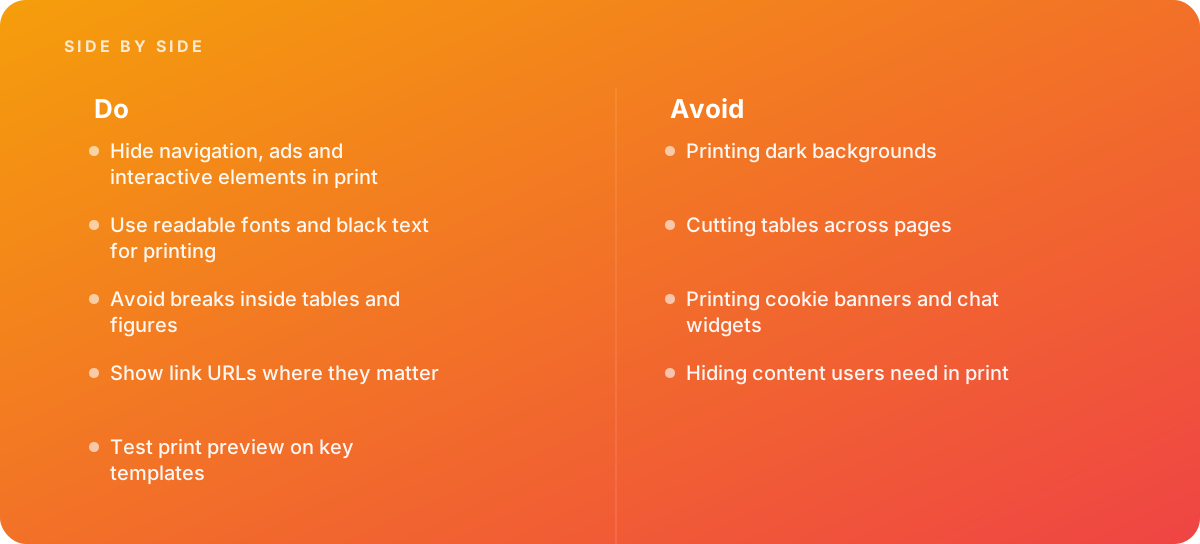
- Hide navigation, ads and interactive elements in print
- Use readable fonts and black text for printing
- Avoid breaks inside tables and figures
- Show link URLs where they matter
- Test print preview on key templates
Where it goes wrong
Avoid:
- Printing dark backgrounds
- Cutting tables across pages
- Printing cookie banners and chat widgets
- Hiding content users need in print
The numbers behind it
| Measure | Figure |
|---|---|
| Media query | @media print |
| Page settings | the @page rule controls margins and size |
| Page breaks | break-before, break-after and break-inside |
| Links | URLs can be shown after link text with generated content |
Getting outside help
When to hand it over: Bring in help when customers print invoices, recipes or instructions from your site.
Where this comes from
- MDN Web Docs — Printing
- MDN Web Docs — @page
The figures and practices above come from the sources listed.
Working on something like this?
We take on Web Design & Development work for teams who want it done once, properly. Tell us what you are building and we will tell you honestly whether we are the right studio for it. Start a project.
Where to go next
Spotted something wrong? Report an error on this page. We correct on the page and say what changed.