Custom 404 Pages, Done Properly
The page shown when someone requests a URL that does not exist, which should return a 404 status and help the visitor find what they wanted.
 MediaScaleUp Editorial Team

At a glance
- Status code 404 Not Found, or 410 Gone for permanently removed content
- Google guidance a custom 404 page should help users and still return a 404 status
- Soft 404s error pages returning 200 are reported in Search Console
- Monitoring 404 hits in logs and analytics reveal broken links
Why it matters
Why it matters: A helpful 404 page keeps visitors on the site after broken links, while returning the wrong status code creates soft 404s in search.
Best practice
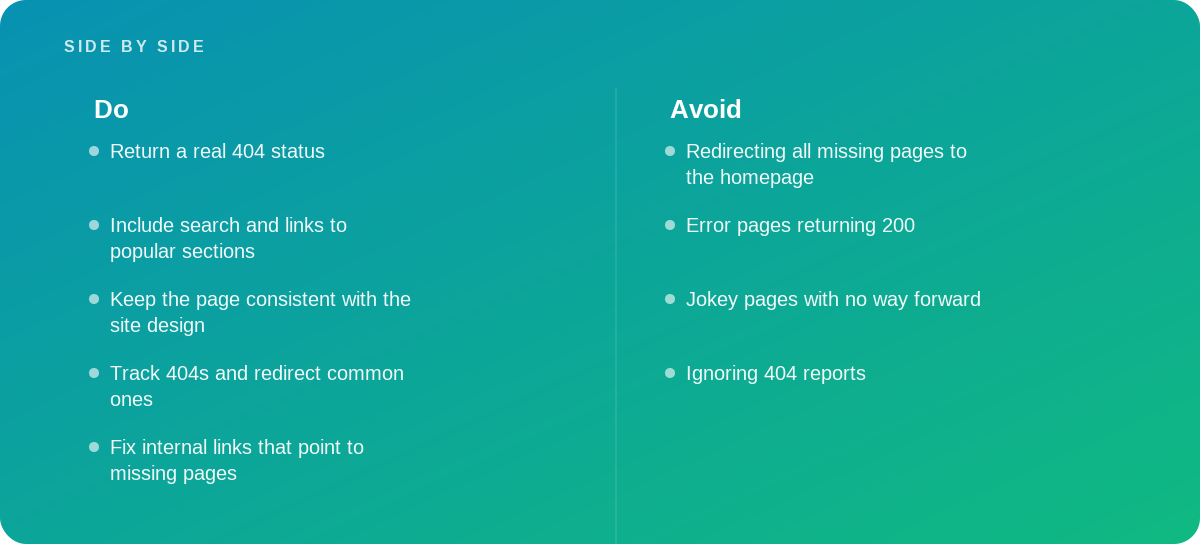
- Return a real 404 status
- Include search and links to popular sections
- Keep the page consistent with the site design
- Track 404s and redirect common ones
- Fix internal links that point to missing pages
Common pitfalls
Watch out for:
- Redirecting all missing pages to the homepage
- Error pages returning 200
- Jokey pages with no way forward
- Ignoring 404 reports
When to call in a specialist
Bottom line Bring in help after a migration with many broken links, or when 404s appear for important old URLs.
Where this comes from
- Google Search Central — Create custom 404 pages
- MDN Web Docs — 404 Not Found
The figures and practices above come from the sources listed.
Working on something like this?
We take on Web Design & Development work for teams who want it done once, properly. Tell us what you are building and we will tell you honestly whether we are the right studio for it. Start a project.
Where to go next
Spotted something wrong? Report an error on this page. We correct on the page and say what changed.







