CSS Logical Properties: What Actually Works
CSS properties that describe layout in terms of the text flow, such as margin-inline-start and padding-block, rather than physical directions like left and top.
 MediaScaleUp Editorial Team

What is at stake
Logical properties make layouts adapt automatically to right-to-left languages and vertical writing modes, which matters for multilingual sites.
The playbook
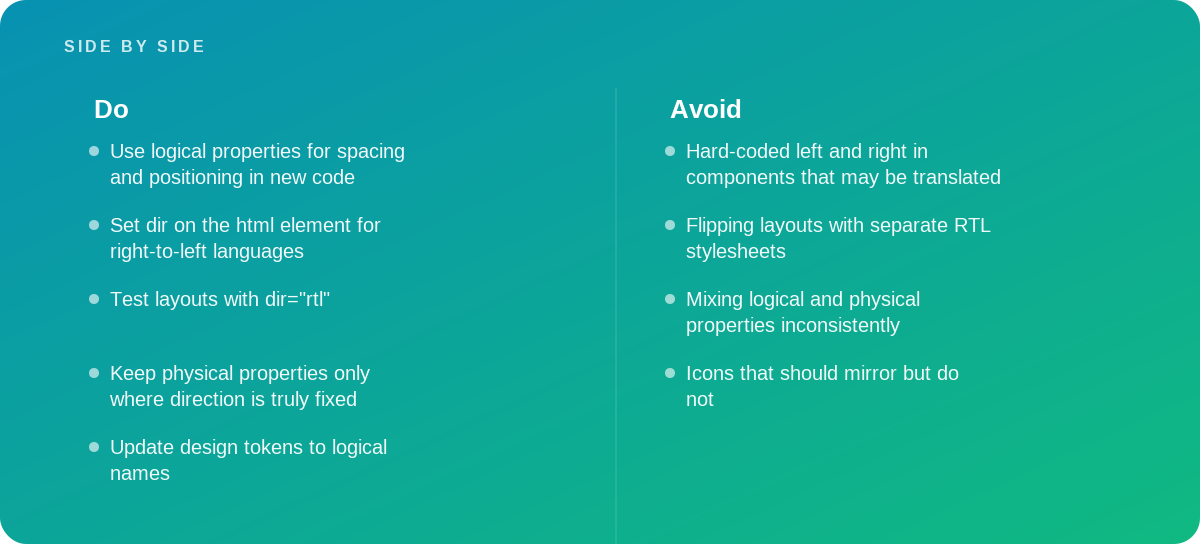
- Use logical properties for spacing and positioning in new code
- Set dir on the html element for right-to-left languages
- Test layouts with dir="rtl"
- Keep physical properties only where direction is truly fixed
- Update design tokens to logical names
Where it goes wrong
Avoid:
- Hard-coded left and right in components that may be translated
- Flipping layouts with separate RTL stylesheets
- Mixing logical and physical properties inconsistently
- Icons that should mirror but do not
The numbers behind it
| Measure | Figure |
|---|---|
| Inline axis | the direction text runs, left to right in English |
| Block axis | the direction blocks stack, top to bottom in English |
| Examples | margin-inline, padding-block, inset-inline-start and border-inline-end |
| Browser support | widely supported in current browsers |
Getting outside help
When to hand it over: Bring in help when localizing a site into Arabic, Hebrew or other right-to-left languages.
Where this comes from
- MDN Web Docs — CSS logical properties and values
- W3C — Structural markup and right-to-left text in HTML
The figures and practices above come from the sources listed.
Working on something like this?
We take on Web Design & Development work for teams who want it done once, properly. Tell us what you are building and we will tell you honestly whether we are the right studio for it. Start a project.
Where to go next
Spotted something wrong? Report an error on this page. We correct on the page and say what changed.








