CSS Cascade Layers: What Actually Works
The @layer rule, which lets developers group styles into named layers with an explicit order of precedence, independent of selector specificity.
 MediaScaleUp Editorial Team

Where most projects go wrong
The usual mistakes:
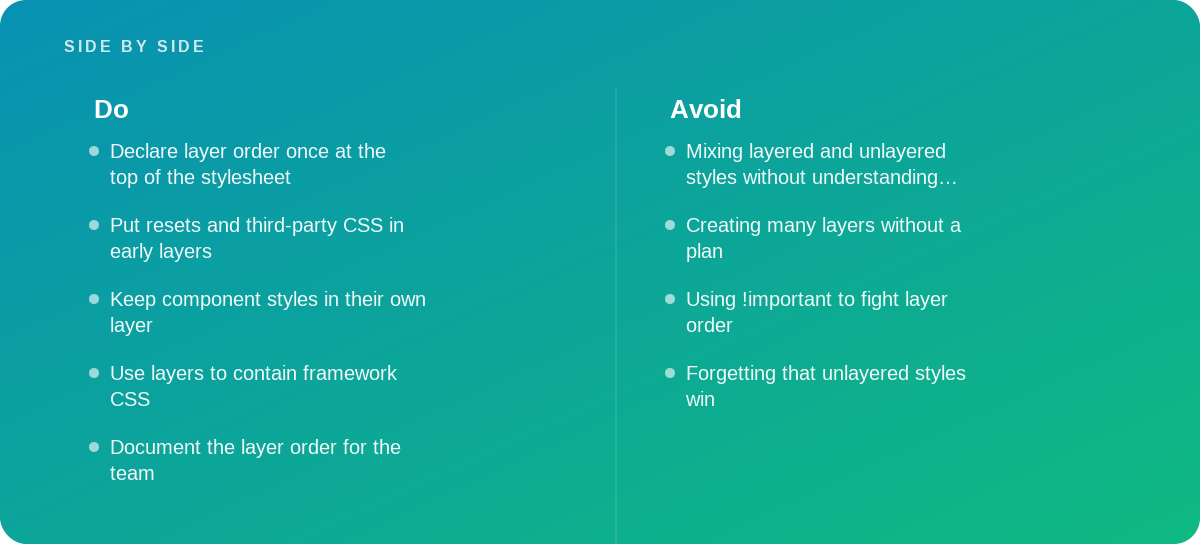
- Mixing layered and unlayered styles without understanding precedence
- Creating many layers without a plan
- Using !important to fight layer order
- Forgetting that unlayered styles win
What good looks like instead
- Declare layer order once at the top of the stylesheet
- Put resets and third-party CSS in early layers
- Keep component styles in their own layer
- Use layers to contain framework CSS
- Document the layer order for the team
Why it matters
Layers make it predictable how resets, frameworks, components and overrides interact, reducing the specificity battles that lead to !important everywhere.
The specs that matter
| Measure | Figure |
|---|---|
| Rule | @layer |
| Precedence | later layers win over earlier layers regardless of specificity |
| Unlayered styles | take precedence over layered styles |
| Browser support | all major browsers since 2022 |
Knowing when to hand it over
Tip: Bring in help when a stylesheet is full of specificity overrides, or when integrating a third-party CSS framework.
Where this comes from
- MDN Web Docs — @layer
- MDN Web Docs — Cascade layers
The figures and practices above come from the sources listed.
Working on something like this?
We take on Web Design & Development work for teams who want it done once, properly. Tell us what you are building and we will tell you honestly whether we are the right studio for it. Start a project.
Where to go next
Spotted something wrong? Report an error on this page. We correct on the page and say what changed.






