API Pagination: What Actually Works
Returning large collections in pages, using offsets, cursors or keyset pagination.
 MediaScaleUp Editorial Team

Why does it matter?
Unpaginated endpoints eventually time out, and the pagination method affects both performance and correctness.
What are the numbers?
- Offset pagination is simple but slows on large offsets
- Cursor pagination performs better and handles inserts more predictably
- Stability records added during paging can be skipped or repeated
- Limits APIs should cap page size
What should I do?
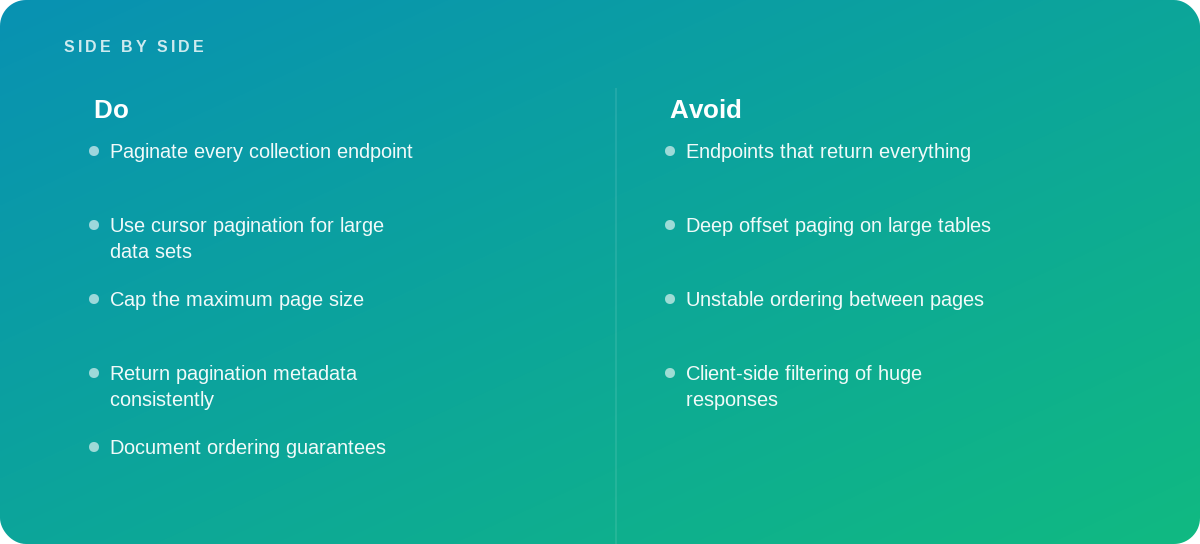
- Paginate every collection endpoint
- Use cursor pagination for large data sets
- Cap the maximum page size
- Return pagination metadata consistently
- Document ordering guarantees
What should I avoid?
Avoid:
- Endpoints that return everything
- Deep offset paging on large tables
- Unstable ordering between pages
- Client-side filtering of huge responses
When should I get help?
Short answer Bring in help when API responses slow down as data grows.
Where this comes from
- Laravel Documentation — Pagination
- Microsoft Learn — Web API design best practices
The figures and practices above come from the sources listed.
Working on something like this?
We take on Web Design & Development work for teams who want it done once, properly. Tell us what you are building and we will tell you honestly whether we are the right studio for it. Start a project.
Where to go next
Spotted something wrong? Report an error on this page. We correct on the page and say what changed.





