How to Get Input Validation Right
Checking that data received from users and other systems has the expected type, format and range before it is used or stored.
 Marcus Adeyemi

What is at stake
Validation stops bad data and many attacks at the edge of the application, and server-side validation is required even when browsers validate forms.
The playbook
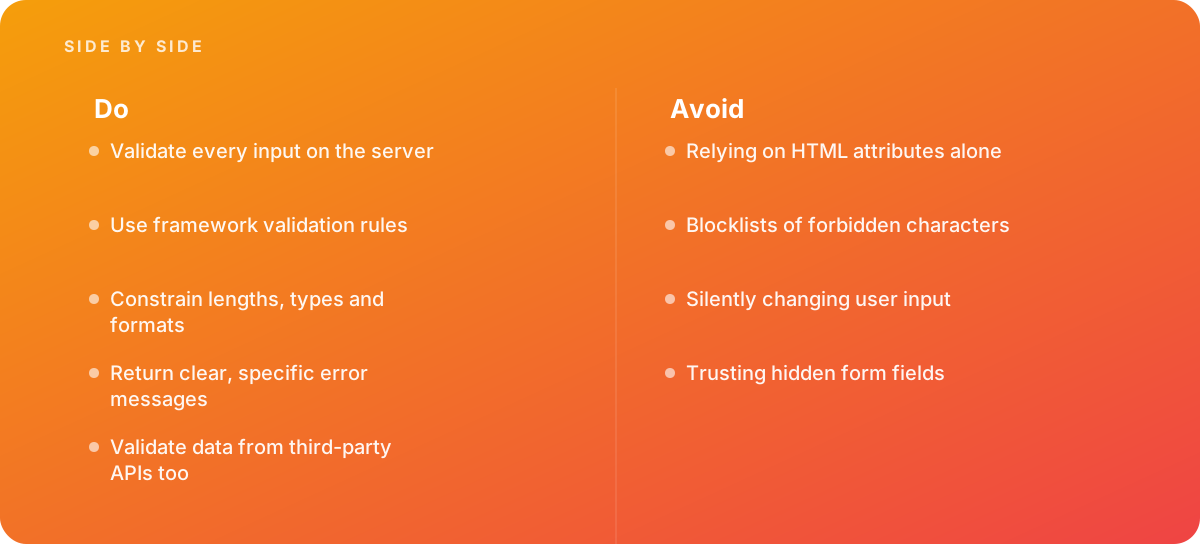
- Validate every input on the server
- Use framework validation rules
- Constrain lengths, types and formats
- Return clear, specific error messages
- Validate data from third-party APIs too
Where it goes wrong
Avoid:
- Relying on HTML attributes alone
- Blocklists of forbidden characters
- Silently changing user input
- Trusting hidden form fields
The numbers behind it
| Measure | Figure |
|---|---|
| Server-side validation | required, since client-side checks can be bypassed |
| Allowlist approach | define what is valid rather than trying to list everything invalid |
| Syntactic and semantic | check format and business meaning |
| Relationship to encoding | validation does not replace output encoding |
Getting outside help
When to hand it over: Bring in help when forms accept malformed data, or when integrating with external data sources.
Where this comes from
- OWASP — Input Validation Cheat Sheet
- Laravel Documentation — Validation
The figures and practices above come from the sources listed.
Working on something like this?
We take on Web Design & Development work for teams who want it done once, properly. Tell us what you are building and we will tell you honestly whether we are the right studio for it. Start a project.
Where to go next
Spotted something wrong? Report an error on this page. We correct on the page and say what changed.