Data Portability Exports, Done Properly
Letting users download their own data in a usable format.
 MediaScaleUp Editorial Team

At a glance
- Formats machine-readable formats such as JSON or CSV are expected
- Scope exports should cover data the user provided and generated
- Verification requests must be verified before data is released
- Delivery large exports need secure, expiring download links
Why it matters
Why it matters: Privacy laws grant portability rights, and good exports also reduce the fear of being locked in.
Best practice
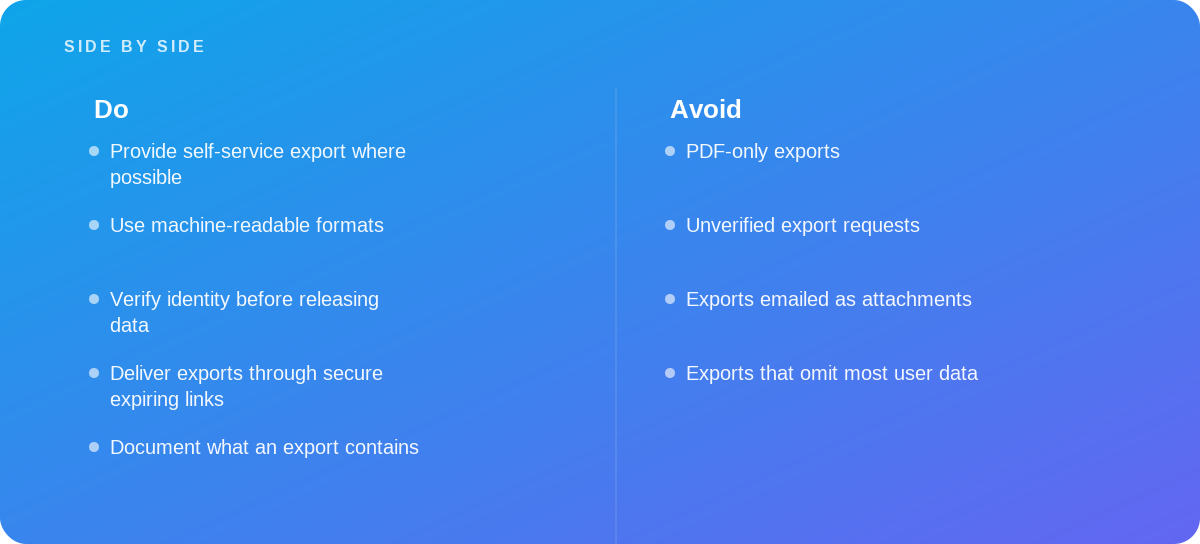
- Provide self-service export where possible
- Use machine-readable formats
- Verify identity before releasing data
- Deliver exports through secure expiring links
- Document what an export contains
Common pitfalls
Watch out for:
- PDF-only exports
- Unverified export requests
- Exports emailed as attachments
- Exports that omit most user data
When to call in a specialist
Bottom line Bring in help when building privacy request handling.
Where this comes from
- California Privacy Protection Agency — CCPA regulations
- Information Commissioner's Office — Right of access
The figures and practices above come from the sources listed.
Working on something like this?
We take on Web Design & Development work for teams who want it done once, properly. Tell us what you are building and we will tell you honestly whether we are the right studio for it. Start a project.
Where to go next
Spotted something wrong? Report an error on this page. We correct on the page and say what changed.




