Logging and Error Monitoring, Done Properly
Recording application events and errors, and alerting the team when something breaks, so problems are found before customers report them.
 MediaScaleUp Editorial Team

At a glance
- OWASP guidance log security-relevant events such as authentication failures and access control failures
- Sensitive data passwords, tokens and card data must never be logged
- Log levels separate debug, info, warning and error messages
- Alerting notify the team on error spikes and critical failures
Why it matters
Why it matters: Without logs and alerts, failures in checkout, sign-in or integrations can go unnoticed for days.
Best practice
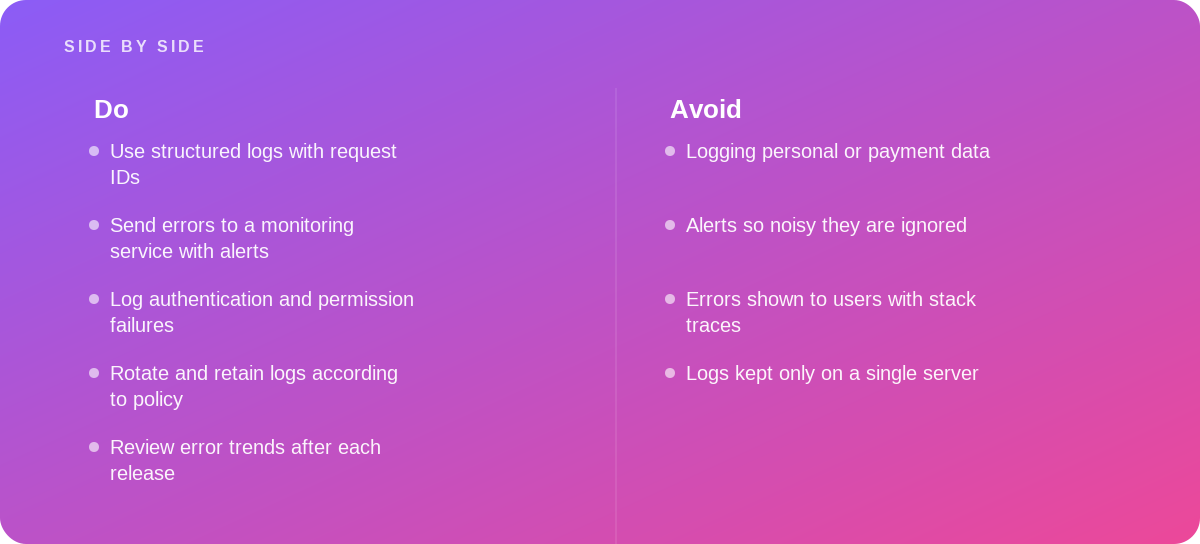
- Use structured logs with request IDs
- Send errors to a monitoring service with alerts
- Log authentication and permission failures
- Rotate and retain logs according to policy
- Review error trends after each release
Common pitfalls
Watch out for:
- Logging personal or payment data
- Alerts so noisy they are ignored
- Errors shown to users with stack traces
- Logs kept only on a single server
When to call in a specialist
Bottom line Bring in help when errors are discovered by customers first, or when logs are too noisy to use.
Where this comes from
- OWASP — Logging Cheat Sheet
- Laravel Documentation — Error handling
The figures and practices above come from the sources listed.
Working on something like this?
We take on Web Design & Development work for teams who want it done once, properly. Tell us what you are building and we will tell you honestly whether we are the right studio for it. Start a project.
Where to go next
Spotted something wrong? Report an error on this page. We correct on the page and say what changed.







