Uptime Monitoring and Alerting: The Decisions That Matter
Automated checks that confirm a site is reachable and working, and alerts when it is not.
 MediaScaleUp Editorial Team

What is at stake
Customers should not be the monitoring system, and good alerts shorten outages dramatically.
The playbook
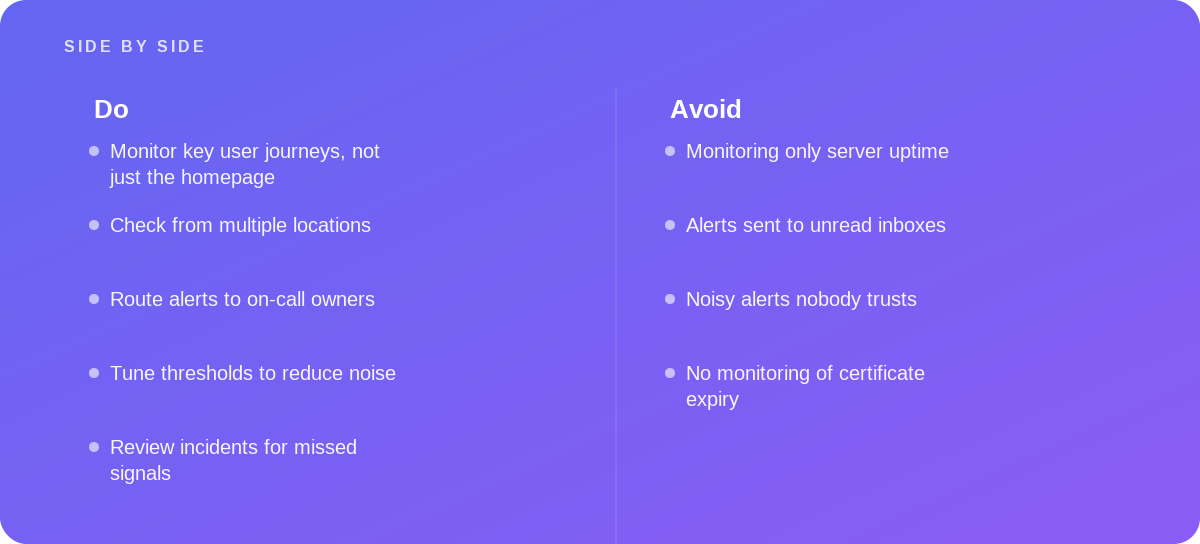
- Monitor key user journeys, not just the homepage
- Check from multiple locations
- Route alerts to on-call owners
- Tune thresholds to reduce noise
- Review incidents for missed signals
Where it goes wrong
Avoid:
- Monitoring only server uptime
- Alerts sent to unread inboxes
- Noisy alerts nobody trusts
- No monitoring of certificate expiry
The numbers behind it
| Measure | Figure |
|---|---|
| Checks | can test pages, APIs and transactions |
| Locations | monitoring from several regions catches network issues |
| Alert fatigue | too many alerts get ignored |
| Escalation | alerts need a route to someone who can act |
Getting outside help
When to hand it over: Bring in help when outages are reported by customers first.
Where this comes from
- Microsoft Learn — Monitoring and diagnostics guidance
- WebPageTest — Documentation
The figures and practices above come from the sources listed.
Working on something like this?
We take on Web Design & Development work for teams who want it done once, properly. Tell us what you are building and we will tell you honestly whether we are the right studio for it. Start a project.
Where to go next
Spotted something wrong? Report an error on this page. We correct on the page and say what changed.





