A Practical Guide to Branching Strategies
How teams organize work in version control, from trunk-based development to long-lived release branches.
 MediaScaleUp Editorial Team

At a glance
- Trunk-based short-lived branches merge into one main branch frequently
- Release branches support maintaining older versions
- Merge conflicts grow with branch lifetime
- Feature flags allow merging unfinished work safely
Why it matters
Why it matters: The branching model affects how often code integrates, how painful merges are and how quickly fixes ship.
Best practice
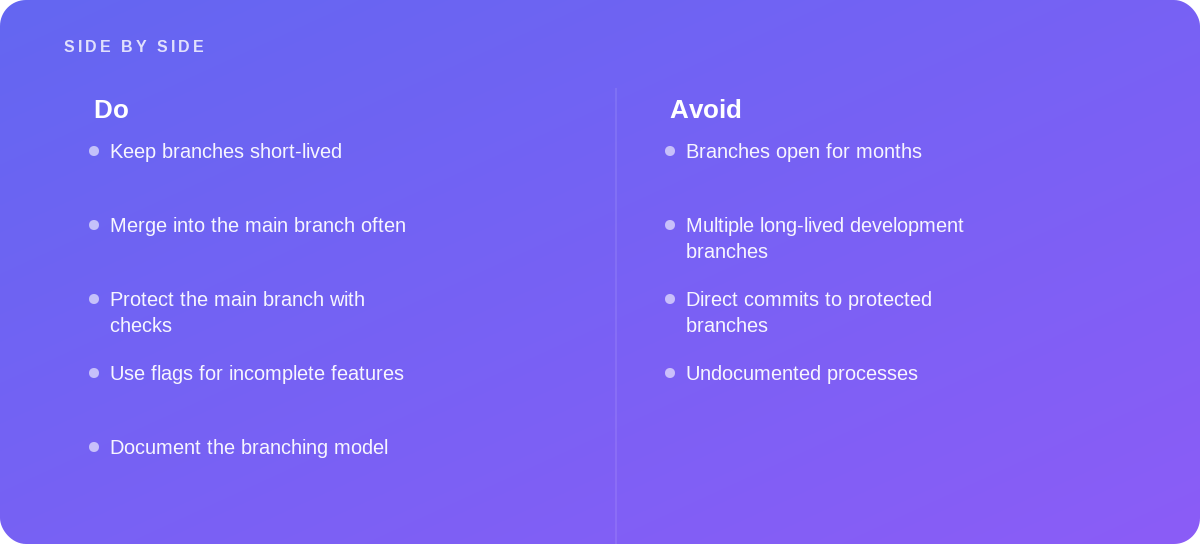
- Keep branches short-lived
- Merge into the main branch often
- Protect the main branch with checks
- Use flags for incomplete features
- Document the branching model
Common pitfalls
Watch out for:
- Branches open for months
- Multiple long-lived development branches
- Direct commits to protected branches
- Undocumented processes
When to call in a specialist
Bottom line Bring in help when merges regularly cause problems.
Where this comes from
- Microsoft Learn — Adopt a Git branching strategy
- Microsoft Learn — Git branch policies
The figures and practices above come from the sources listed.
Working on something like this?
We take on Web Design & Development work for teams who want it done once, properly. Tell us what you are building and we will tell you honestly whether we are the right studio for it. Start a project.
Where to go next
Spotted something wrong? Report an error on this page. We correct on the page and say what changed.






