How to Get Background Jobs and Queues Right
Moving slow work, such as sending emails, processing images or calling external APIs, out of the web request into background jobs processed by workers.
 MediaScaleUp Editorial Team

Why does it matter?
Doing slow work during a request makes pages slow and fragile, while queues keep responses fast and let failed tasks be retried.
What are the numbers?
- Queue drivers such as database, Redis or cloud queue services
- Workers long-running processes that take jobs from the queue
- Retries failed jobs can be retried with delays
- Failed jobs should be stored for inspection
What should I do?
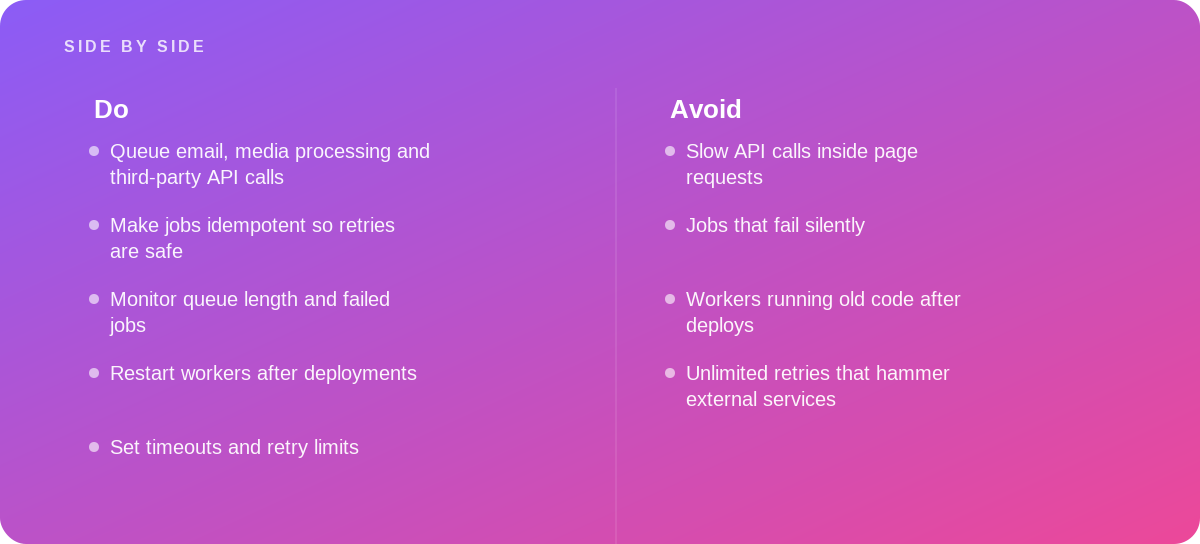
- Queue email, media processing and third-party API calls
- Make jobs idempotent so retries are safe
- Monitor queue length and failed jobs
- Restart workers after deployments
- Set timeouts and retry limits
What should I avoid?
Avoid:
- Slow API calls inside page requests
- Jobs that fail silently
- Workers running old code after deploys
- Unlimited retries that hammer external services
When should I get help?
Short answer Bring in help when pages are slow because of work done during requests, or when background jobs fail unnoticed.
Where this comes from
- Laravel Documentation — Queues
- Microsoft Learn — Queue-Based Load Leveling pattern
The figures and practices above come from the sources listed.
Working on something like this?
We take on Web Design & Development work for teams who want it done once, properly. Tell us what you are building and we will tell you honestly whether we are the right studio for it. Start a project.
Where to go next
Spotted something wrong? Report an error on this page. We correct on the page and say what changed.





