Long Tasks and the Main Thread, Done Properly
The browser's main thread handles layout, painting and most JavaScript, and any single task that runs for more than 50 milliseconds blocks it from responding to input.
 MediaScaleUp Editorial Team

Where most projects go wrong
The usual mistakes:
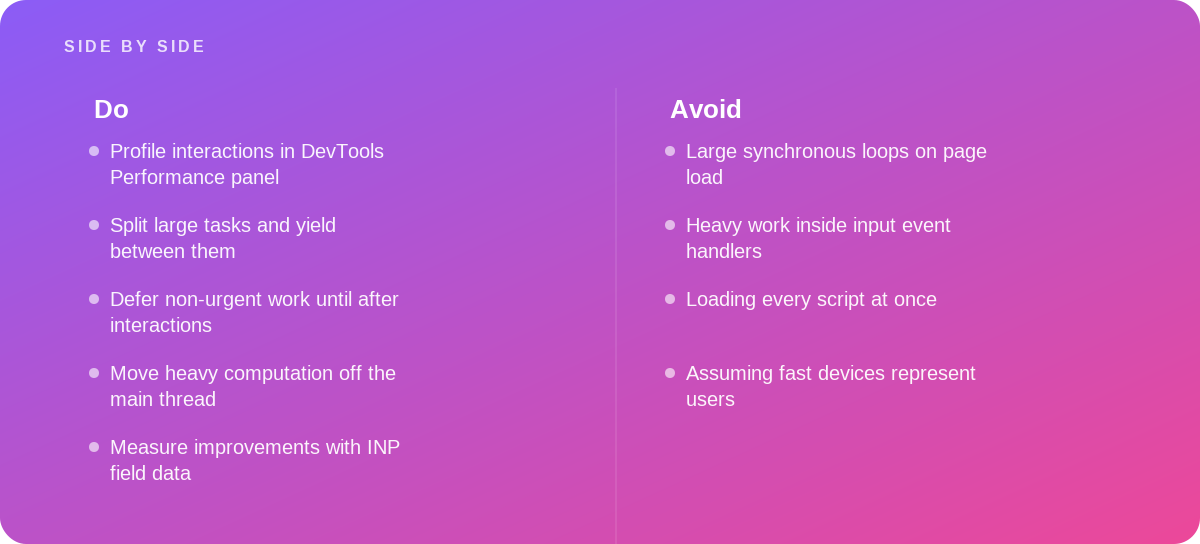
- Large synchronous loops on page load
- Heavy work inside input event handlers
- Loading every script at once
- Assuming fast devices represent users
What good looks like instead
- Profile interactions in DevTools Performance panel
- Split large tasks and yield between them
- Defer non-urgent work until after interactions
- Move heavy computation off the main thread
- Measure improvements with INP field data
Why it matters
Long tasks are the main cause of pages that look loaded but do not respond to clicks and taps, which shows up in Interaction to Next Paint.
The specs that matter
| Measure | Figure |
|---|---|
| Long task threshold | 50 milliseconds |
| Why 50 ms | keeps responses within about 100 milliseconds of input |
| Yielding | breaking work up lets the browser handle input between chunks |
| scheduler.yield() | an API for yielding to the main thread in supporting browsers |
Knowing when to hand it over
Tip: Bring in help when interactions feel delayed, when INP is poor, or when a framework application blocks the main thread.
Where this comes from
- web.dev — Optimize long tasks
- MDN Web Docs — Long task timing
The figures and practices above come from the sources listed.
Working on something like this?
We take on Performance & Accessibility work for teams who want it done once, properly. Tell us what you are building and we will tell you honestly whether we are the right studio for it. Start a project.
Where to go next
Spotted something wrong? Report an error on this page. We correct on the page and say what changed.










