Tree Shaking and Bundle Size, Done Properly
Removing unused code from JavaScript bundles during the build, so visitors only download the functions a page actually uses.
 MediaScaleUp Editorial Team

At a glance
- Tree shaking dead-code elimination based on static ES module imports and exports
- Requirement code written as ES modules with side-effect-free imports
- Coverage tab Chrome DevTools shows how much loaded code is unused
- Cost of JavaScript download, parse, compile and execute time on the device
Why it matters
Why it matters: JavaScript is the most expensive resource per byte because it must be downloaded, parsed and executed, and unused library code is common in modern bundles.
Best practice
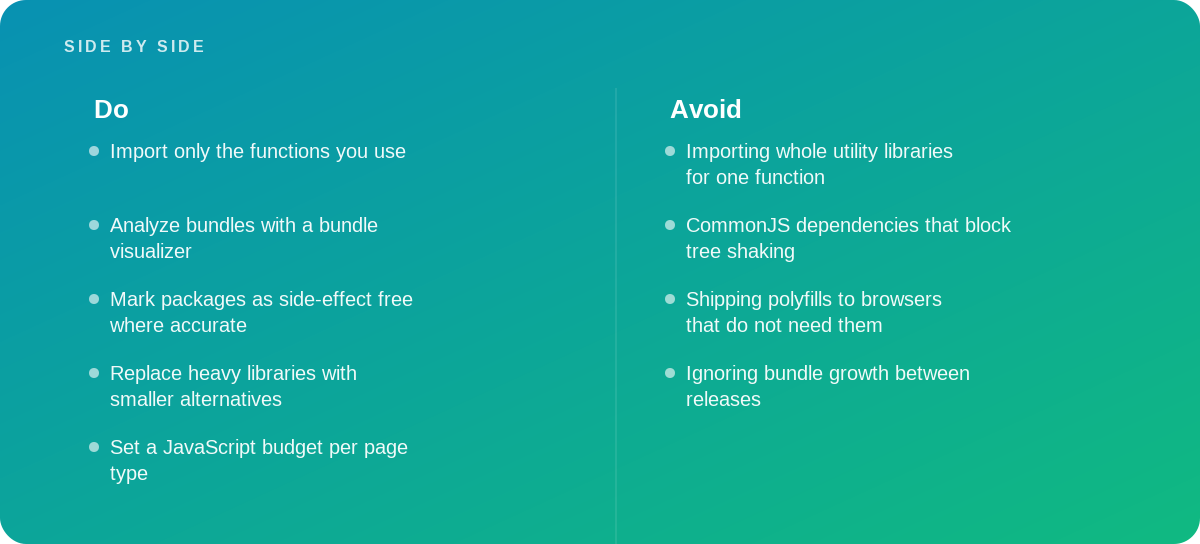
- Import only the functions you use
- Analyze bundles with a bundle visualizer
- Mark packages as side-effect free where accurate
- Replace heavy libraries with smaller alternatives
- Set a JavaScript budget per page type
Common pitfalls
Watch out for:
- Importing whole utility libraries for one function
- CommonJS dependencies that block tree shaking
- Shipping polyfills to browsers that do not need them
- Ignoring bundle growth between releases
When to call in a specialist
Bottom line Bring in help when JavaScript bundles are large, when builds have grown over time, or when mobile performance lags.
Where this comes from
- MDN Web Docs — Tree shaking
- web.dev — Reduce JavaScript payloads with tree shaking
The figures and practices above come from the sources listed.
Working on something like this?
We take on Performance & Accessibility work for teams who want it done once, properly. Tell us what you are building and we will tell you honestly whether we are the right studio for it. Start a project.
Where to go next
Spotted something wrong? Report an error on this page. We correct on the page and say what changed.