Code Splitting and Dynamic Imports: What Actually Works
Breaking JavaScript into smaller pieces that load when needed instead of one large bundle.
 MediaScaleUp Editorial Team

At a glance
- Dynamic import loads modules on demand
- Route splitting loads code per page or route
- Waterfalls too many small chunks can create request chains
- Preloading chunks can be fetched before they are needed
Why it matters
Why it matters: Large bundles delay interactivity, and most pages need only a fraction of the code they download.
Best practice
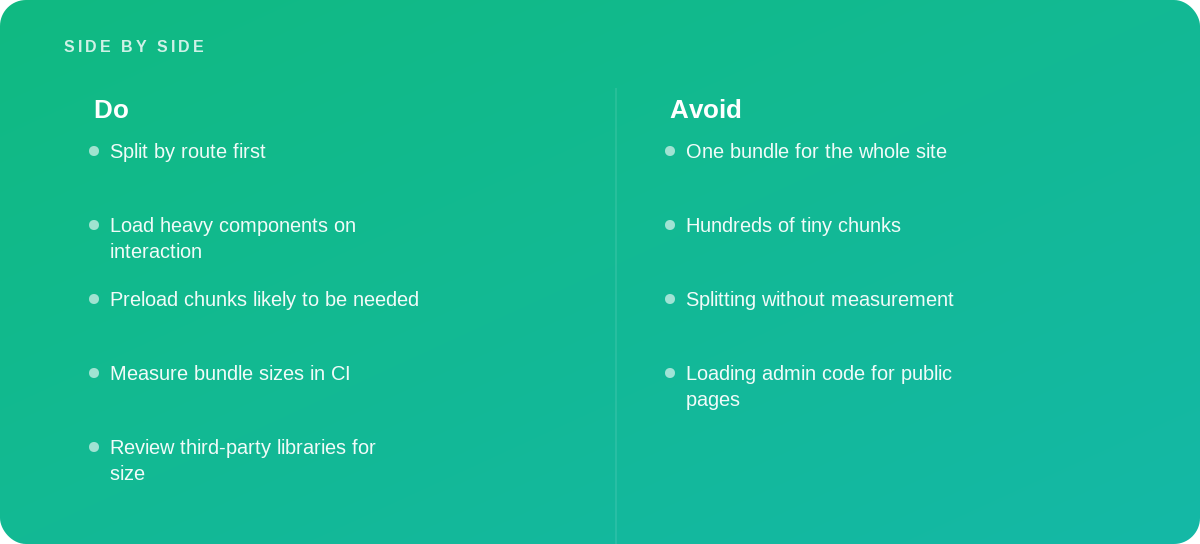
- Split by route first
- Load heavy components on interaction
- Preload chunks likely to be needed
- Measure bundle sizes in CI
- Review third-party libraries for size
Common pitfalls
Watch out for:
- One bundle for the whole site
- Hundreds of tiny chunks
- Splitting without measurement
- Loading admin code for public pages
When to call in a specialist
Bottom line Bring in help when JavaScript blocks interactivity.
Where this comes from
- MDN Web Docs — JavaScript modules
- web.dev — Reduce JavaScript payloads with code splitting
The figures and practices above come from the sources listed.
Working on something like this?
We take on Performance & Accessibility work for teams who want it done once, properly. Tell us what you are building and we will tell you honestly whether we are the right studio for it. Start a project.
Where to go next
Spotted something wrong? Report an error on this page. We correct on the page and say what changed.







