Text Compression with Brotli and Gzip: What Actually Works
Compressing HTML, CSS, JavaScript and other text responses on the server so they transfer in far fewer bytes, then decompressing them in the browser.
 MediaScaleUp Editorial Team

What is at stake
Text compression is one of the cheapest performance wins available, and uncompressed text files are still a common finding in audits.
The playbook
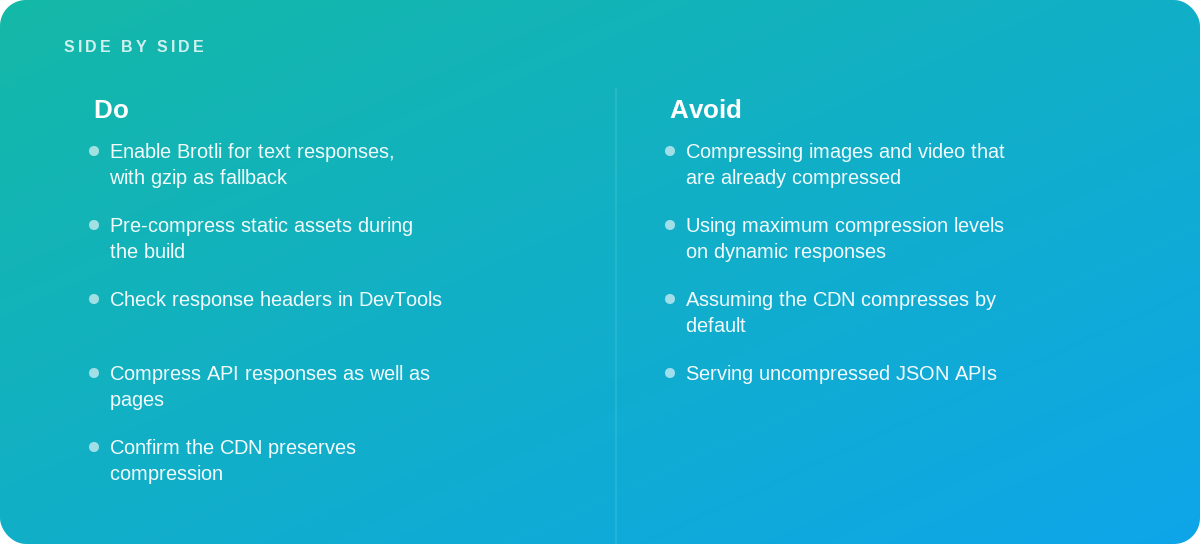
- Enable Brotli for text responses, with gzip as fallback
- Pre-compress static assets during the build
- Check response headers in DevTools
- Compress API responses as well as pages
- Confirm the CDN preserves compression
Where it goes wrong
Avoid:
- Compressing images and video that are already compressed
- Using maximum compression levels on dynamic responses
- Assuming the CDN compresses by default
- Serving uncompressed JSON APIs
The numbers behind it
| Measure | Figure |
|---|---|
| Common algorithms | Brotli and gzip |
| Negotiation | the browser sends Accept-Encoding and the server responds with Content-Encoding |
| Brotli | typically compresses text smaller than gzip |
| Pre-compression | static assets can be compressed at build time at higher levels |
Getting outside help
When to hand it over: Bring in help when audits report uncompressed text, or when moving between hosting providers or CDNs.
Where this comes from
- MDN Web Docs — Compression in HTTP
- Chrome for Developers — Enable text compression
The figures and practices above come from the sources listed.
Working on something like this?
We take on Performance & Accessibility work for teams who want it done once, properly. Tell us what you are building and we will tell you honestly whether we are the right studio for it. Start a project.
Where to go next
Spotted something wrong? Report an error on this page. We correct on the page and say what changed.








