First Contentful Paint: What Actually Works
The time from when a page starts loading until the browser renders the first text, image or other content, the moment a visitor first sees that something is happening.
 MediaScaleUp Editorial Team

Where most projects go wrong
The usual mistakes:
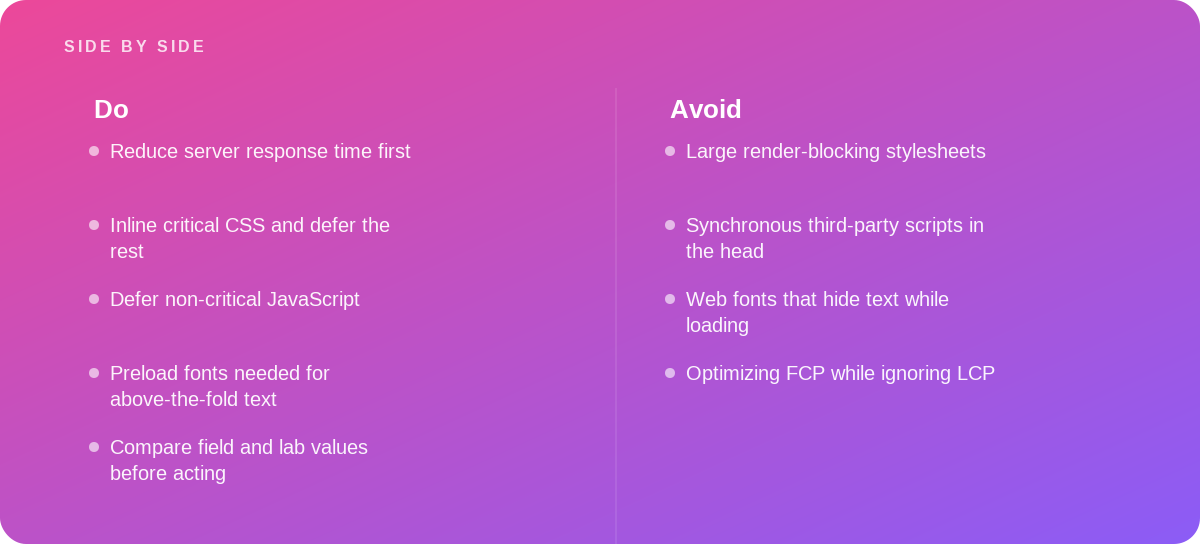
- Large render-blocking stylesheets
- Synchronous third-party scripts in the head
- Web fonts that hide text while loading
- Optimizing FCP while ignoring LCP
What good looks like instead
- Reduce server response time first
- Inline critical CSS and defer the rest
- Defer non-critical JavaScript
- Preload fonts needed for above-the-fold text
- Compare field and lab values before acting
Why it matters
A slow first paint makes a page feel broken, and it usually points to render-blocking resources or a slow server rather than heavy content.
The specs that matter
| Measure | Figure |
|---|---|
| Good threshold | 1.8 seconds or less |
| Poor threshold | more than 3 seconds |
| Measured at | the 75th percentile of page loads in field data |
| Common causes of delay | slow server response and render-blocking CSS and JavaScript |
Knowing when to hand it over
Tip: Bring in help when pages stay blank for over two seconds on mobile, or when FCP is poor in field data across many templates.
Where this comes from
- web.dev — First Contentful Paint (FCP)
- Chrome for Developers — Lighthouse performance scoring
The figures and practices above come from the sources listed.
Working on something like this?
We take on Performance & Accessibility work for teams who want it done once, properly. Tell us what you are building and we will tell you honestly whether we are the right studio for it. Start a project.
Where to go next
Spotted something wrong? Report an error on this page. We correct on the page and say what changed.







