Mobile App Accessibility: What Actually Works
Making native iOS and Android apps usable with screen readers, larger text, voice control and switch access, using the accessibility features each platform provides.
 Marcus Adeyemi
What is at stake
Apps are covered by the same accessibility expectations as websites, and the ADA Title II rule explicitly includes the mobile apps of state and local governments.
The playbook
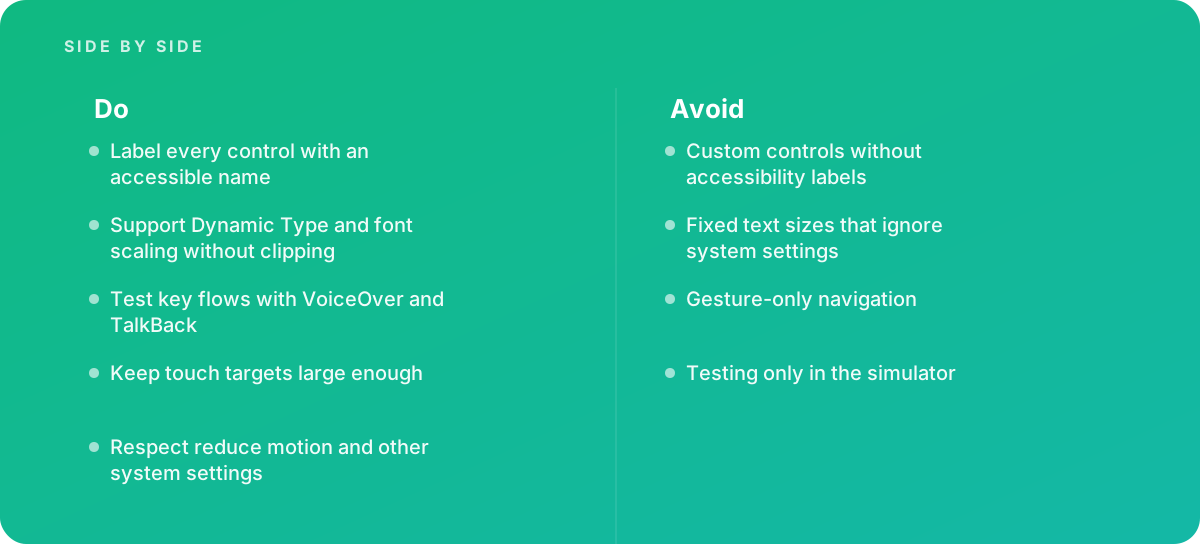
- Label every control with an accessible name
- Support Dynamic Type and font scaling without clipping
- Test key flows with VoiceOver and TalkBack
- Keep touch targets large enough
- Respect reduce motion and other system settings
Where it goes wrong
Avoid:
- Custom controls without accessibility labels
- Fixed text sizes that ignore system settings
- Gesture-only navigation
- Testing only in the simulator
The numbers behind it
| Measure | Figure |
|---|---|
| iOS screen reader | VoiceOver |
| Android screen reader | TalkBack |
| Larger text | iOS Dynamic Type and Android font scaling |
| Standard used | WCAG is applied to mobile apps, with guidance on its interpretation from W3C |
Getting outside help
When to hand it over: Bring in help when launching an app, when app store reviews mention accessibility, or when an app must meet a legal standard.
Where this comes from
- Apple Developer — Accessibility
- W3C Web Accessibility Initiative — Mobile accessibility
The figures and practices above come from the sources listed.
Working on something like this?
We take on Performance & Accessibility work for teams who want it done once, properly. Tell us what you are building and we will tell you honestly whether we are the right studio for it. Start a project.
Where to go next
Spotted something wrong? Report an error on this page. We correct on the page and say what changed.