PDF Accessibility: What Actually Works
Making PDF documents usable with assistive technology through tags, reading order, alternative text, bookmarks and language settings.
 MediaScaleUp Editorial Team

At a glance
Why it matters
Why it matters: PDFs are often the least accessible content on a site, and public bodies and regulated organizations are increasingly required to fix or replace them.
Best practice
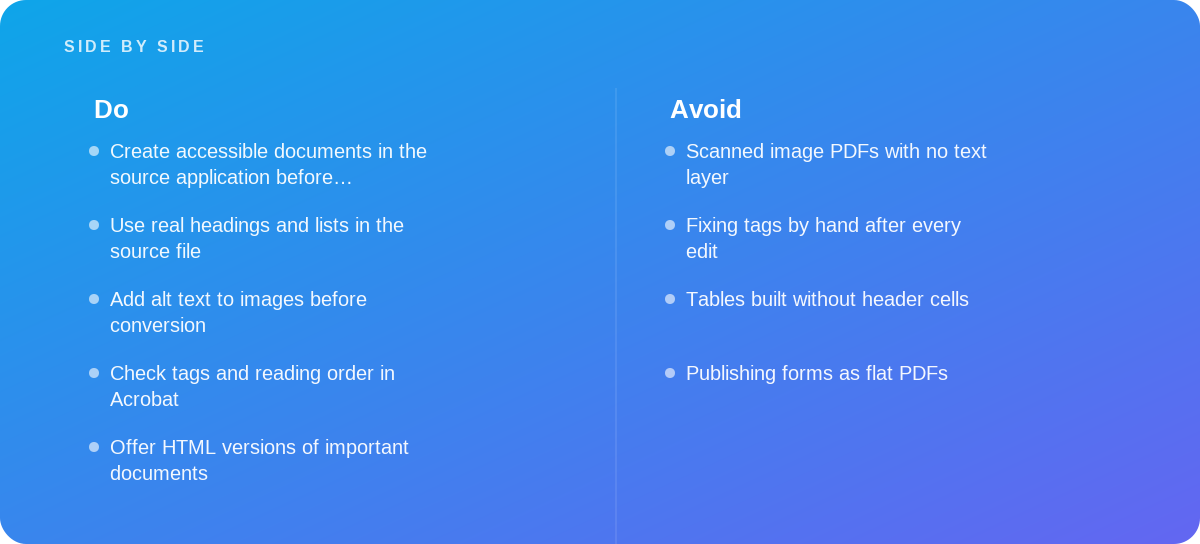
- Create accessible documents in the source application before exporting
- Use real headings and lists in the source file
- Add alt text to images before conversion
- Check tags and reading order in Acrobat
- Offer HTML versions of important documents
Common pitfalls
Watch out for:
- Scanned image PDFs with no text layer
- Fixing tags by hand after every edit
- Tables built without header cells
- Publishing forms as flat PDFs
When to call in a specialist
Bottom line Bring in help when a site hosts many PDFs, when documents must meet a legal deadline, or when forms are published as PDFs.
Where this comes from
- ISO — ISO 14289 Document management applications: PDF/UA
- Adobe Help Center — Create and verify PDF accessibility
- Section508.gov — Create accessible PDFs
The figures and practices above come from the sources listed.
Working on something like this?
We take on Performance & Accessibility work for teams who want it done once, properly. Tell us what you are building and we will tell you honestly whether we are the right studio for it. Start a project.
Where to go next
Spotted something wrong? Report an error on this page. We correct on the page and say what changed.







