Self-Service Kiosk Accessibility: What Actually Works
Accessibility of touchscreen kiosks used for ordering, check-in, ticketing and payments.
 MediaScaleUp Editorial Team

At a glance
- Reach ranges controls must be within reach for seated users
- Screen readers kiosks need audio output options for blind users
- Tactile controls touchscreens alone exclude some users
- Alternatives staffed assistance may still be required
Why it matters
Why it matters: Kiosks increasingly replace staffed counters, and inaccessible kiosks exclude people from the service entirely.
Best practice
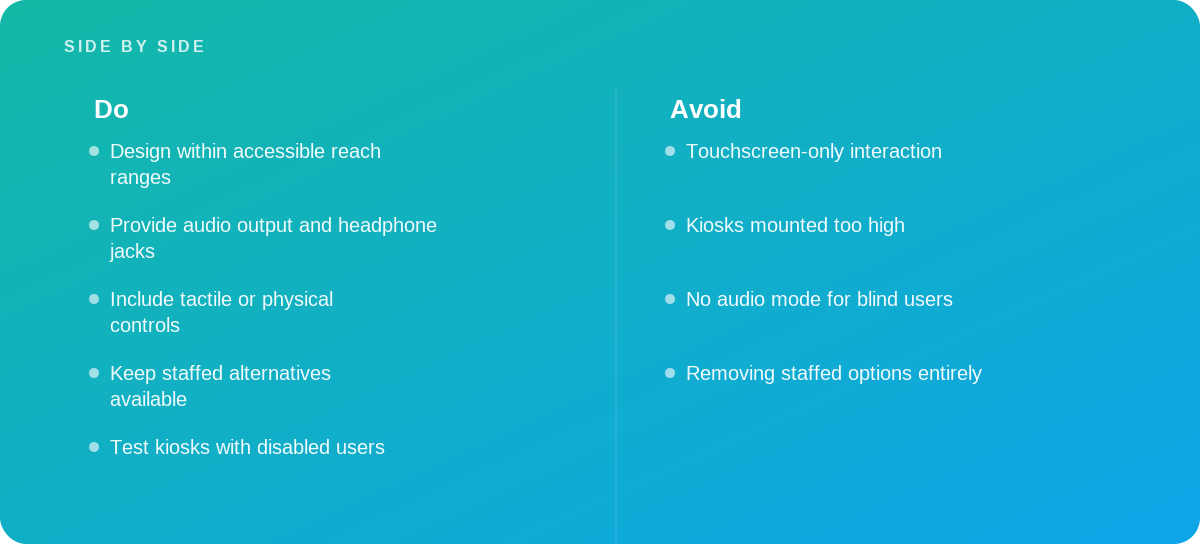
- Design within accessible reach ranges
- Provide audio output and headphone jacks
- Include tactile or physical controls
- Keep staffed alternatives available
- Test kiosks with disabled users
Common pitfalls
Watch out for:
- Touchscreen-only interaction
- Kiosks mounted too high
- No audio mode for blind users
- Removing staffed options entirely
When to call in a specialist
Bottom line Bring in help when deploying customer kiosks.
Where this comes from
- U.S. Access Board — Communication elements and features
- ADA.gov — 2010 ADA Standards for Accessible Design
The figures and practices above come from the sources listed.
Working on something like this?
We take on Performance & Accessibility work for teams who want it done once, properly. Tell us what you are building and we will tell you honestly whether we are the right studio for it. Start a project.
Where to go next
Spotted something wrong? Report an error on this page. We correct on the page and say what changed.









