Automated Accessibility Testing: What Actually Works
Running tools that check markup against rules, as one layer of an accessibility program.
 MediaScaleUp Editorial Team

What is at stake
Automation catches regressions cheaply and continuously, and it cannot substitute for manual testing because most criteria are not machine-checkable.
The playbook
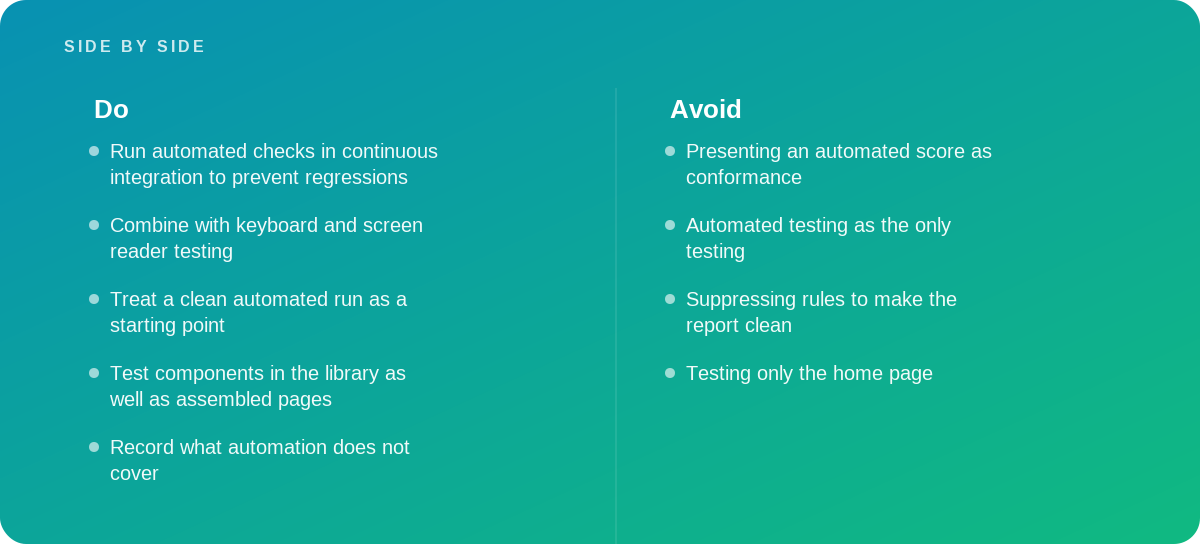
- Run automated checks in continuous integration to prevent regressions
- Combine with keyboard and screen reader testing
- Treat a clean automated run as a starting point
- Test components in the library as well as assembled pages
- Record what automation does not cover
Where it goes wrong
Avoid:
- Presenting an automated score as conformance
- Automated testing as the only testing
- Suppressing rules to make the report clean
- Testing only the home page
The numbers behind it
| Measure | Figure |
|---|---|
| Coverage | automated tools detect a minority of accessibility issues |
| What they find well | missing alt attributes, contrast, missing labels, invalid ARIA |
| What they cannot judge | whether alt text is meaningful, whether focus order is logical |
| Integration | most useful in continuous integration |
| False confidence | the main risk of relying on them |
Getting outside help
When to hand it over: Bring in help when a clean automated report conflicts with user complaints, when conformance must be evidenced, or when a testing program needs designing.
Where this comes from
- Deque University — Automated testing coverage
- W3C Web Accessibility Initiative — Evaluation tools
- Chrome for Developers — Lighthouse accessibility
The figures and practices above come from the sources listed.
Working on something like this?
We take on Performance & Accessibility work for teams who want it done once, properly. Tell us what you are building and we will tell you honestly whether we are the right studio for it. Start a project.
Where to go next
Spotted something wrong? Report an error on this page. We correct on the page and say what changed.