Accessible Data Tables: What Actually Works
Marking up tabular data so its structure is available to people who cannot see the visual grid.
 Marcus Adeyemi

Why does it matter?
A table without proper headers is a list of disconnected values to a screen reader user, whatever it looks like visually.
What are the numbers?
- Headers th elements, with scope where the structure needs it
- Caption describes the table's purpose
- Complex tables may need headers and id associations
- Layout tables should not be used; CSS handles layout
- Responsive tables must retain their semantics when restructured
What should I do?
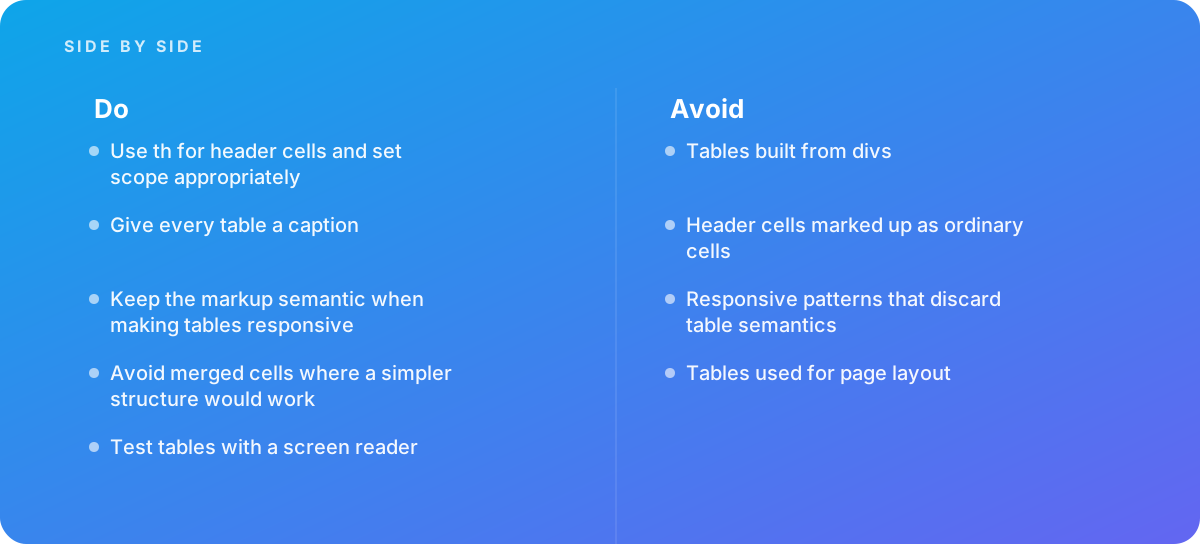
- Use th for header cells and set scope appropriately
- Give every table a caption
- Keep the markup semantic when making tables responsive
- Avoid merged cells where a simpler structure would work
- Test tables with a screen reader
What should I avoid?
Avoid:
- Tables built from divs
- Header cells marked up as ordinary cells
- Responsive patterns that discard table semantics
- Tables used for page layout
When should I get help?
Short answer Bring in help when complex tables must be made accessible, when responsive behavior breaks semantics, or when data interfaces must meet conformance.
Where this comes from
- W3C Web Accessibility Initiative — Tables tutorial
- MDN Web Docs — HTML table element
- Deque University — Accessible tables
The figures and practices above come from the sources listed.
Working on something like this?
We take on Performance & Accessibility work for teams who want it done once, properly. Tell us what you are building and we will tell you honestly whether we are the right studio for it. Start a project.
Where to go next
Spotted something wrong? Report an error on this page. We correct on the page and say what changed.