Accessible Maps: The Decisions That Matter
Making map-based content usable for people who cannot see or interact with an interactive map.
 MediaScaleUp Editorial Team

At a glance
- Text alternatives addresses and directions can be provided as text
- Keyboard map controls must be reachable and escapable
- Embedded frames map iframes need accessible titles
- Complex images static maps need descriptions of the information they convey
Why it matters
Why it matters: Interactive maps are often keyboard traps and provide no information to screen reader users, while the underlying facts are simple text.
Best practice
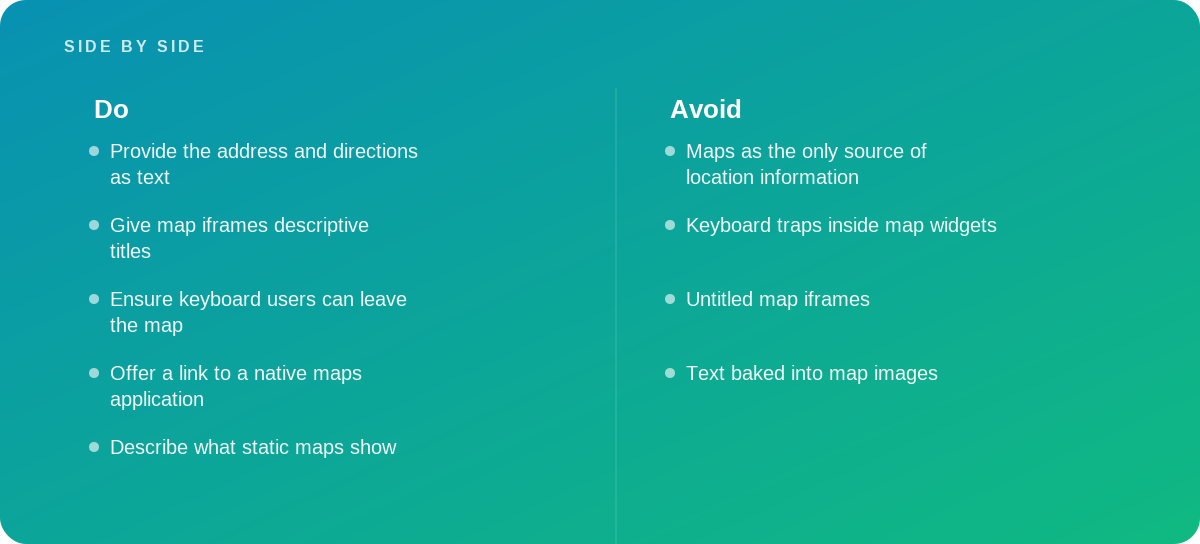
- Provide the address and directions as text
- Give map iframes descriptive titles
- Ensure keyboard users can leave the map
- Offer a link to a native maps application
- Describe what static maps show
Common pitfalls
Watch out for:
- Maps as the only source of location information
- Keyboard traps inside map widgets
- Untitled map iframes
- Text baked into map images
When to call in a specialist
Bottom line Bring in help when store locators must be accessible.
Where this comes from
- W3C Web Accessibility Initiative — Complex images
- MDN Web Docs — The Inline Frame element
The figures and practices above come from the sources listed.
Working on something like this?
We take on Performance & Accessibility work for teams who want it done once, properly. Tell us what you are building and we will tell you honestly whether we are the right studio for it. Start a project.
Where to go next
Spotted something wrong? Report an error on this page. We correct on the page and say what changed.










