A Practical Guide to Text Spacing Overrides
The WCAG requirement that content stays usable when users increase line height, letter spacing and word spacing.
 MediaScaleUp Editorial Team

Why does it matter?
People with dyslexia and low vision adjust spacing, and rigid layouts clip or overlap text when they do.
What are the numbers?
- Success Criterion 1.4.12 sets specific spacing values content must tolerate
- Line height must work at 1.5 times the font size
- Paragraph spacing must work at twice the font size
- Letter and word spacing must work at 0.12 and 0.16 times the font size
What should I do?
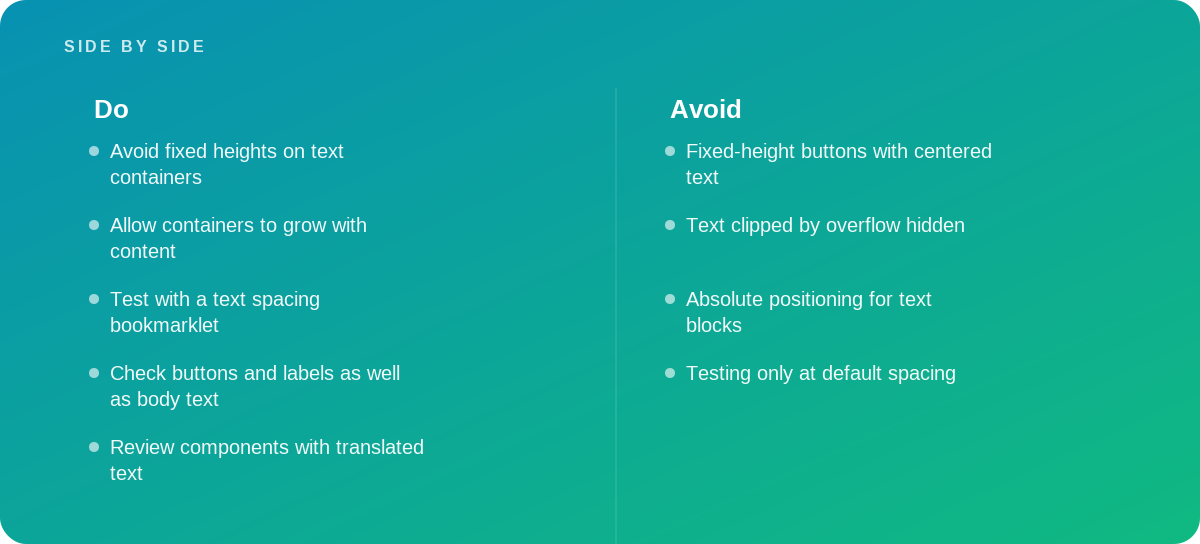
- Avoid fixed heights on text containers
- Allow containers to grow with content
- Test with a text spacing bookmarklet
- Check buttons and labels as well as body text
- Review components with translated text
What should I avoid?
Avoid:
- Fixed-height buttons with centered text
- Text clipped by overflow hidden
- Absolute positioning for text blocks
- Testing only at default spacing
When should I get help?
Short answer Bring in help when layouts break under user style changes.
Where this comes from
- W3C Web Accessibility Initiative — Understanding Success Criterion 1.4.12 Text Spacing
- W3C Web Accessibility Initiative — Easy Checks
The figures and practices above come from the sources listed.
Working on something like this?
We take on Performance & Accessibility work for teams who want it done once, properly. Tell us what you are building and we will tell you honestly whether we are the right studio for it. Start a project.
Where to go next
Spotted something wrong? Report an error on this page. We correct on the page and say what changed.











