Accessible Media Players: The Decisions That Matter
Video and audio players whose controls work with keyboards and screen readers and that support captions.
 MediaScaleUp Editorial Team

What is at stake
Custom players frequently lose the accessibility that native browser controls provide.
The playbook
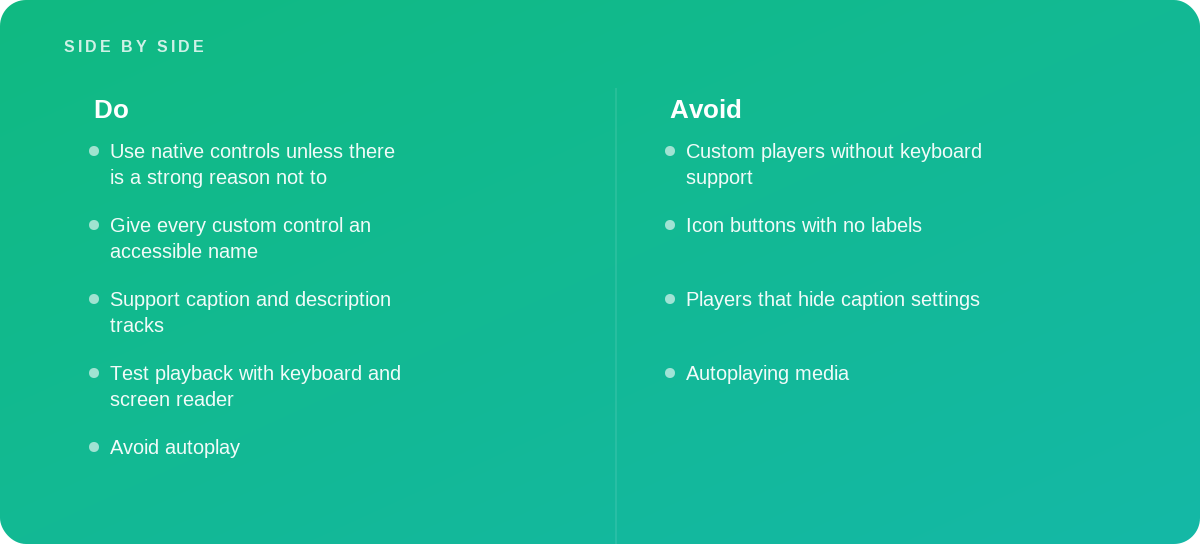
- Use native controls unless there is a strong reason not to
- Give every custom control an accessible name
- Support caption and description tracks
- Test playback with keyboard and screen reader
- Avoid autoplay
Where it goes wrong
Avoid:
- Custom players without keyboard support
- Icon buttons with no labels
- Players that hide caption settings
- Autoplaying media
The numbers behind it
| Measure | Figure |
|---|---|
| Native controls | browser media controls are generally keyboard accessible |
| Captions | players need to support caption tracks |
| Labels | custom buttons need accessible names |
| Keyboard | play, pause and volume must be operable without a mouse |
Getting outside help
When to hand it over: Bring in help when custom players are required.
Where this comes from
- W3C Web Accessibility Initiative — Making Audio and Video Media Accessible
- MDN Web Docs — The Video Embed element
The figures and practices above come from the sources listed.
Working on something like this?
We take on Performance & Accessibility work for teams who want it done once, properly. Tell us what you are building and we will tell you honestly whether we are the right studio for it. Start a project.
Where to go next
Spotted something wrong? Report an error on this page. We correct on the page and say what changed.









