A Practical Guide to Accessible Rich Text Editors
Editors that let users format content, and the accessibility problems they commonly introduce.
 Marcus Adeyemi
At a glance
- Toolbar semantics formatting controls need accessible names and states
- Keyboard access all formatting must be reachable without a mouse
- Output markup editors can produce inaccessible HTML
- Pasted content often carries inline styles and bad structure
Why it matters
Why it matters: Editors are complex custom widgets, and both the editing experience and the output need to be accessible.
Best practice
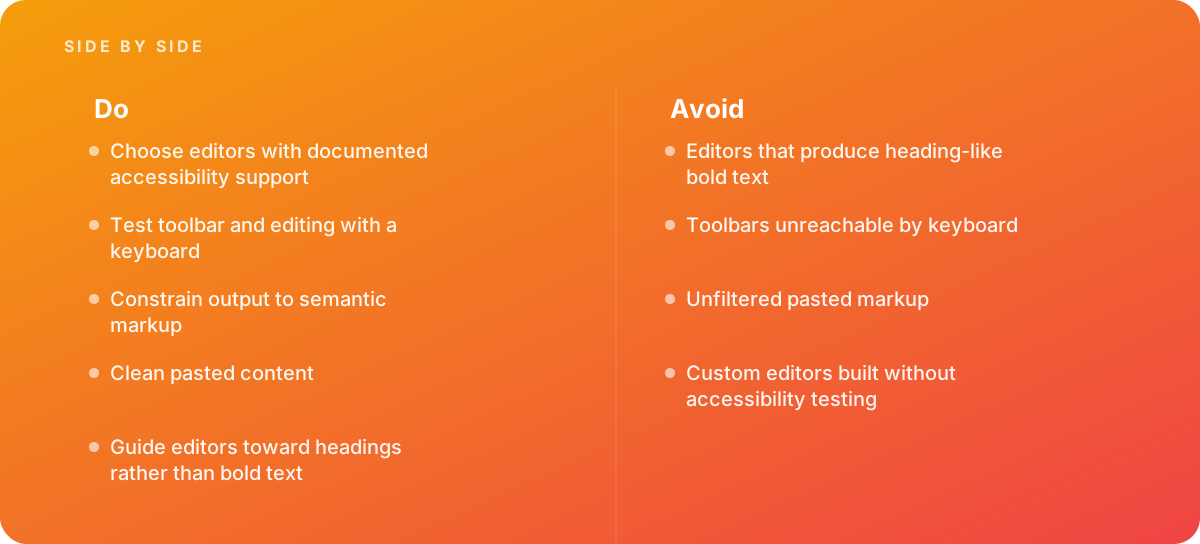
- Choose editors with documented accessibility support
- Test toolbar and editing with a keyboard
- Constrain output to semantic markup
- Clean pasted content
- Guide editors toward headings rather than bold text
Common pitfalls
Watch out for:
- Editors that produce heading-like bold text
- Toolbars unreachable by keyboard
- Unfiltered pasted markup
- Custom editors built without accessibility testing
When to call in a specialist
Bottom line Bring in help when content editors produce inaccessible pages.
Where this comes from
- W3C ARIA Authoring Practices Guide — Toolbar pattern
- W3C Web Accessibility Initiative — Info and relationships
The figures and practices above come from the sources listed.
Working on something like this?
We take on Performance & Accessibility work for teams who want it done once, properly. Tell us what you are building and we will tell you honestly whether we are the right studio for it. Start a project.
Where to go next
Spotted something wrong? Report an error on this page. We correct on the page and say what changed.