Focus Order with CSS Layout: The Decisions That Matter
The mismatch that occurs when CSS reorders content visually while keyboard focus still follows the underlying markup order.
 MediaScaleUp Editorial Team

Why does it matter?
Visual order and focus order must match, or keyboard users jump around the page unpredictably.
What are the numbers?
- Flexbox and grid can reorder content visually
- Focus order follows the document order, not the visual one
- WCAG requires a meaningful focus order
- Responsive layouts can reorder differently at each breakpoint
What should I do?
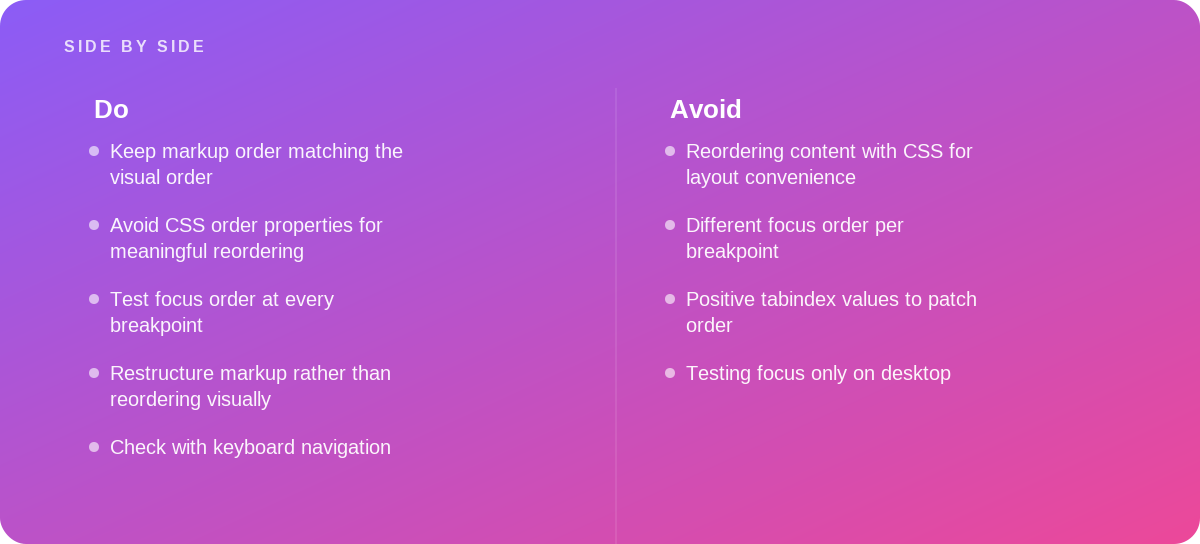
- Keep markup order matching the visual order
- Avoid CSS order properties for meaningful reordering
- Test focus order at every breakpoint
- Restructure markup rather than reordering visually
- Check with keyboard navigation
What should I avoid?
Avoid:
- Reordering content with CSS for layout convenience
- Different focus order per breakpoint
- Positive tabindex values to patch order
- Testing focus only on desktop
When should I get help?
Short answer Bring in help when responsive layouts confuse keyboard users.
Where this comes from
- W3C Web Accessibility Initiative — Understanding SC 2.4.3 Focus Order
- MDN Web Docs — CSS grid layout
The figures and practices above come from the sources listed.
Working on something like this?
We take on Performance & Accessibility work for teams who want it done once, properly. Tell us what you are building and we will tell you honestly whether we are the right studio for it. Start a project.
Where to go next
Spotted something wrong? Report an error on this page. We correct on the page and say what changed.









