Embedded Widgets and Performance, Done Properly
Third-party embeds such as chat widgets, maps, video players and social feeds, and what they cost.
 MediaScaleUp Editorial Team

Where most projects go wrong
The usual mistakes:
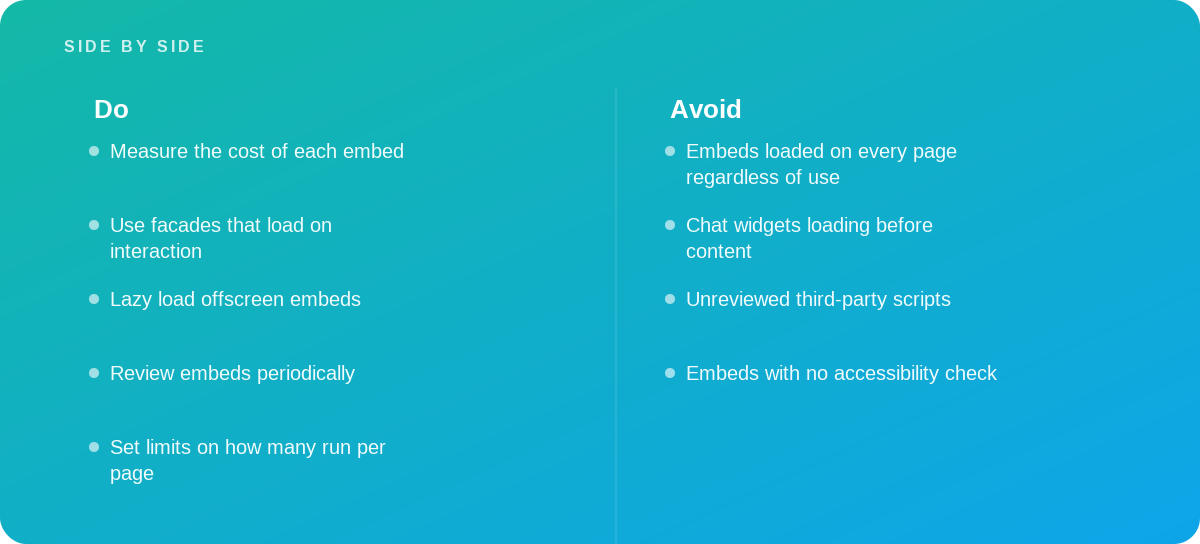
- Embeds loaded on every page regardless of use
- Chat widgets loading before content
- Unreviewed third-party scripts
- Embeds with no accessibility check
What good looks like instead
- Measure the cost of each embed
- Use facades that load on interaction
- Lazy load offscreen embeds
- Review embeds periodically
- Set limits on how many run per page
Why it matters
Embeds often weigh more than the page hosting them, and they run code you do not control.
The specs that matter
| Measure | Figure |
|---|---|
| Weight | single embeds can add megabytes of scripts |
| Blocking | embeds can block rendering and interaction |
| Facades | a lightweight placeholder can load the embed on interaction |
| Control | third-party code can change without warning |
Knowing when to hand it over
Tip: Bring in help when third-party scripts dominate load times.
Where this comes from
- web.dev — Third-party JavaScript
- Chrome for Developers — Lazy loading third-party resources
The figures and practices above come from the sources listed.
Working on something like this?
We take on Performance & Accessibility work for teams who want it done once, properly. Tell us what you are building and we will tell you honestly whether we are the right studio for it. Start a project.
Where to go next
Spotted something wrong? Report an error on this page. We correct on the page and say what changed.